🎉You’ve made a great decision
Your session with our team is now ✅ confirmed
Step 1 of 6
Watch this video below in full before moving on to the rest of the page
CLICK TO TURN ON SOUND
Step 2 of 6
Read Through our offer and how it works
CLICK The Button To Access The Document
Step 3 of 6
Get Your Questions Answered
CLICK TO TURN ON SOUND
CLICK TO TURN ON SOUND
CLICK TO TURN ON SOUND
CLICK TO TURN ON SOUND
CLICK TO TURN ON SOUND
CLICK TO TURN ON SOUND
CLICK TO TURN ON SOUND
CLICK TO TURN ON SOUND
CLICK TO TURN ON SOUND
CLICK TO TURN ON SOUND
CLICK TO TURN ON SOUND
CLICK TO TURN ON SOUND
Step 4 of 6
Do your due diligence
CLICK TO TURN ON SOUND
Step 5 of 6
Confirm Your Call
📅 You will receive a calendar invite via email (Google, Apple, or Outlook). It will look just like the one shown below.
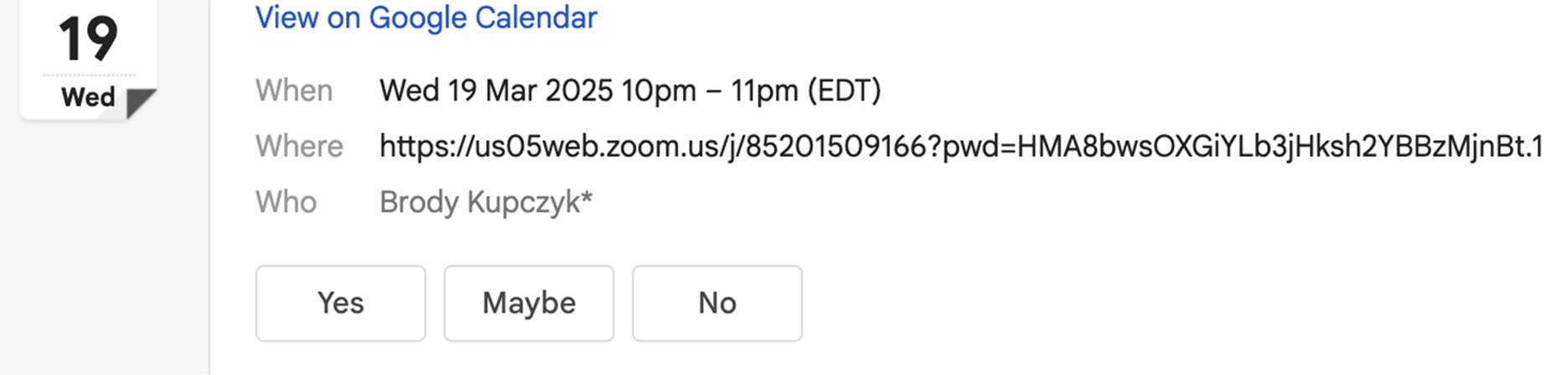
✅ Add the call to your calendar so you don’t forget and make it a priority
Your email will include a clickable Zoom or Google Meet link. Keep that email saved so you can access the call at the right time.
My team will send you a text before the call. Make sure to send them back a 👍to confirm you’ll be there.
It’s important to note we DO NOT reschedule calls often because we value or teams time, so make sure you select a date and time that works for you to show up in a quiet place ready to review all the information my team will give you.
Step 6 of 6
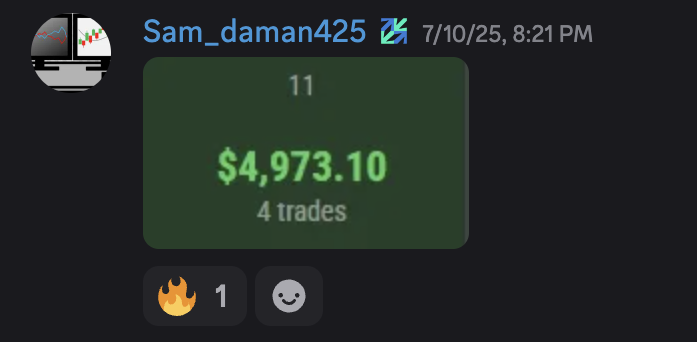
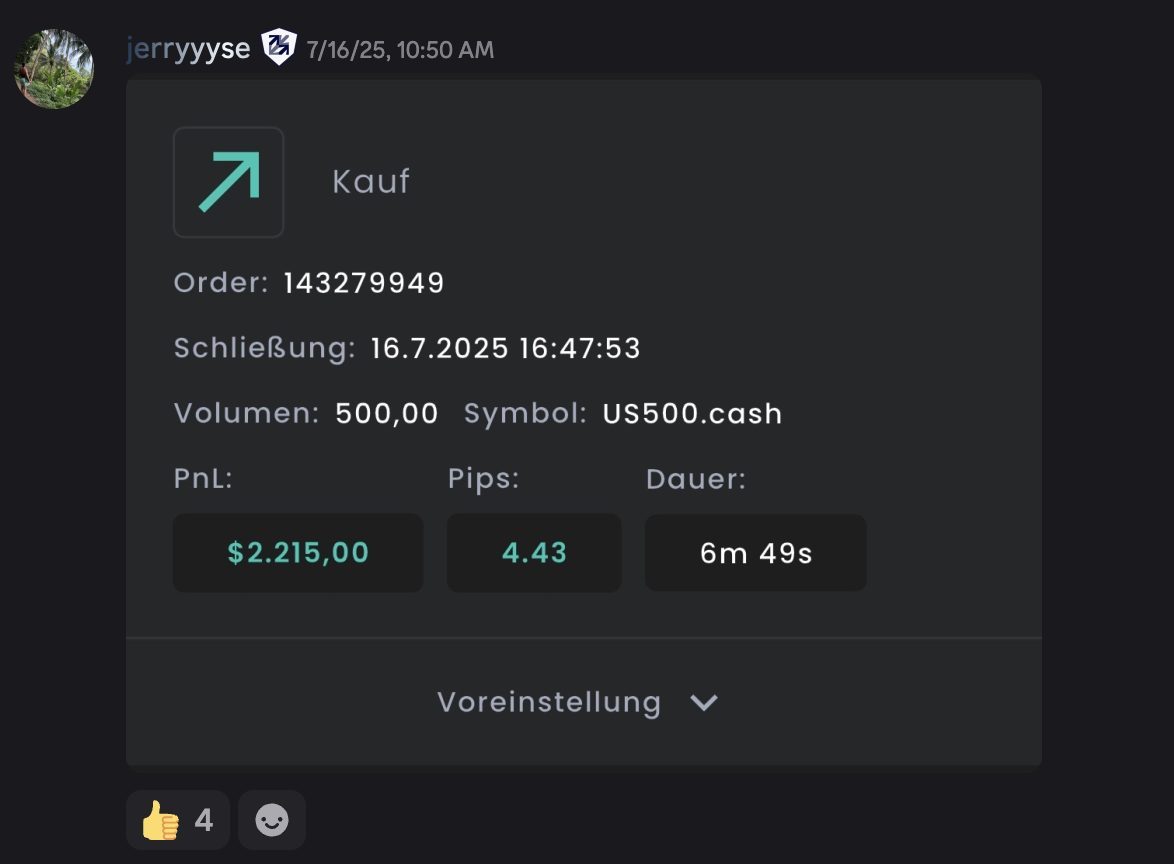
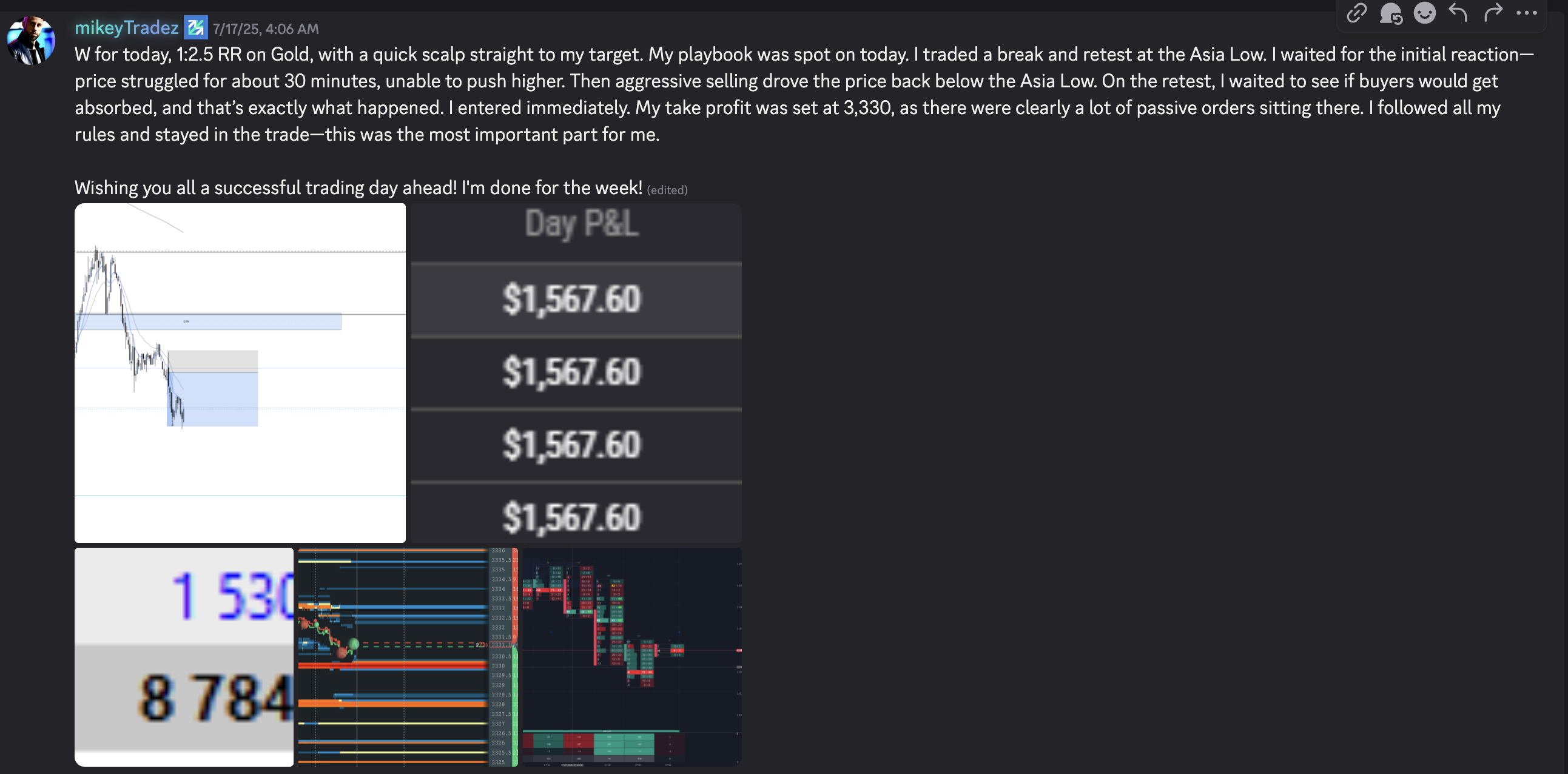
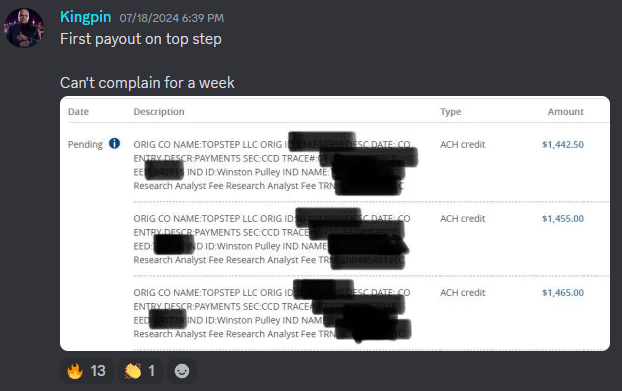
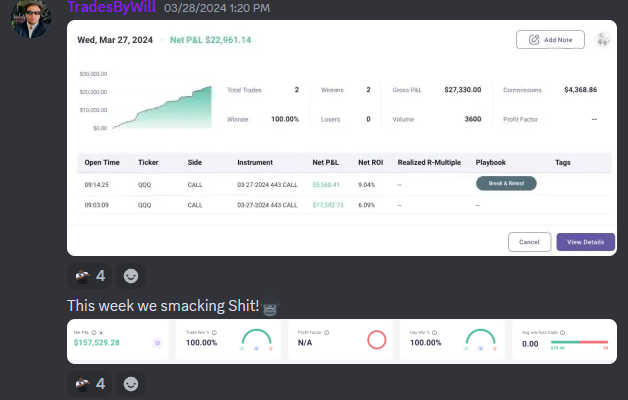
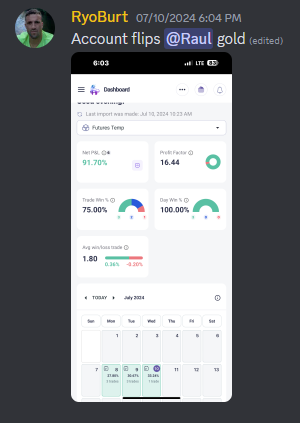
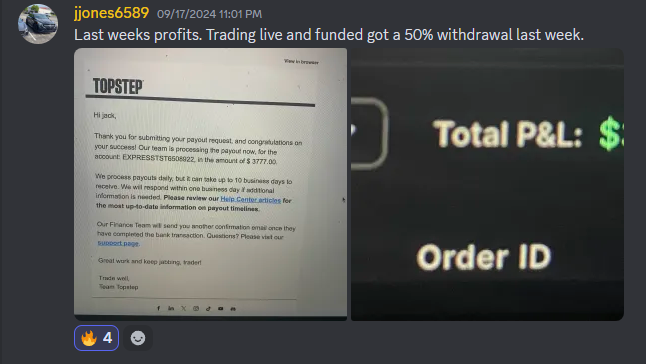
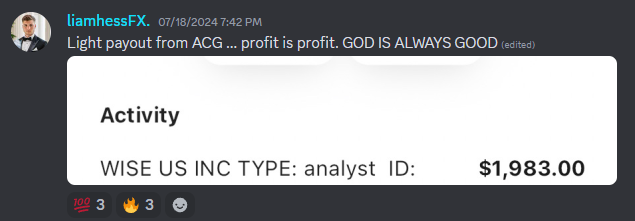
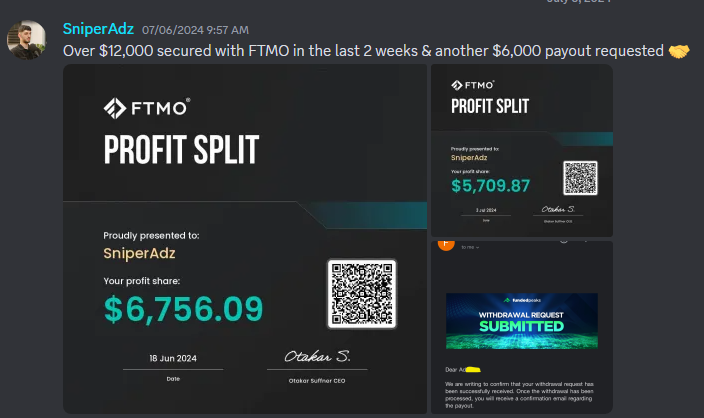
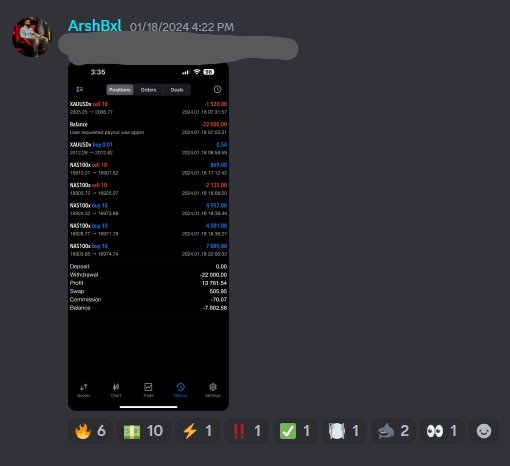
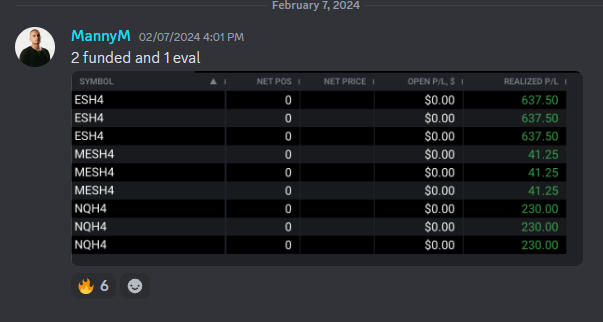
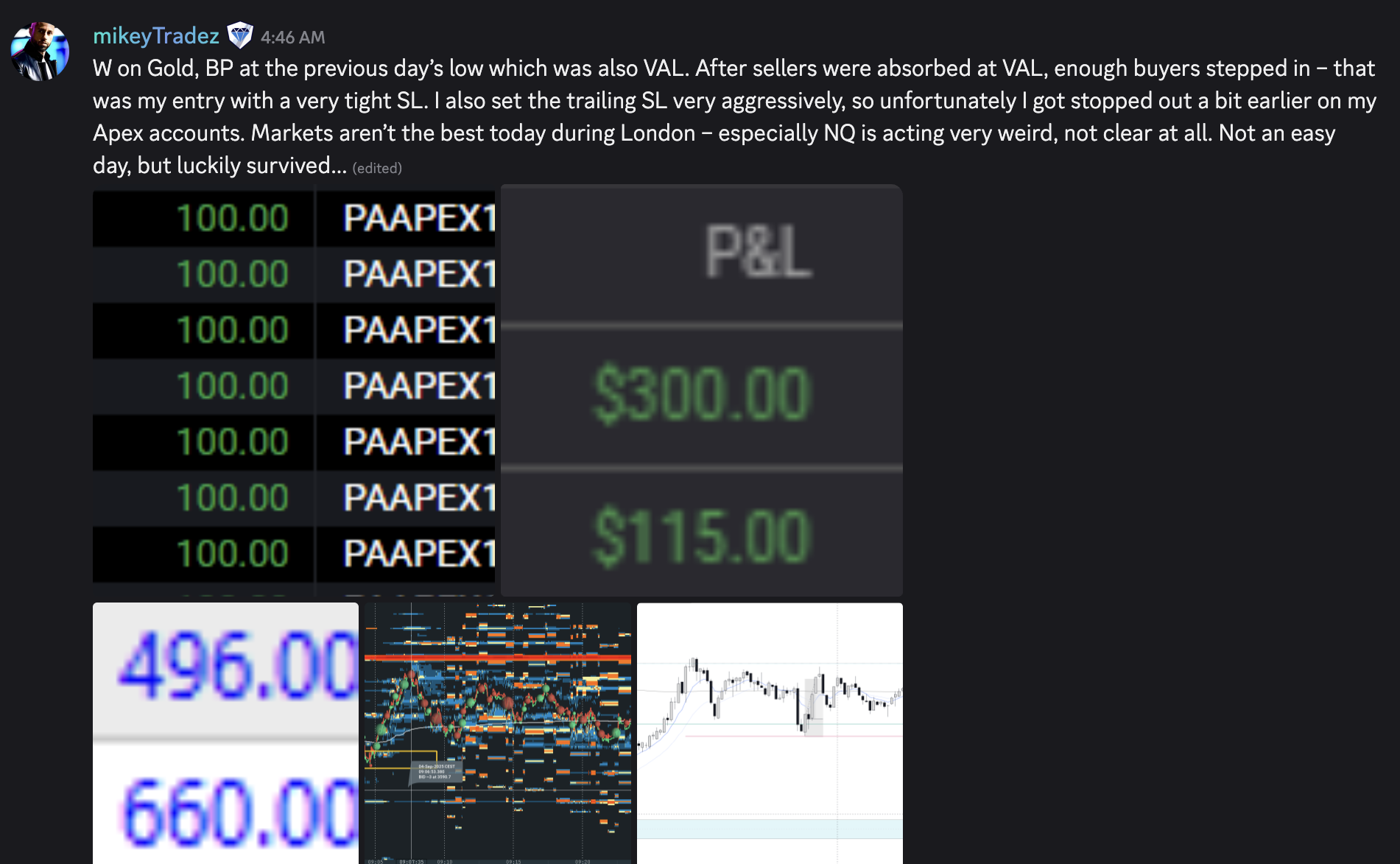
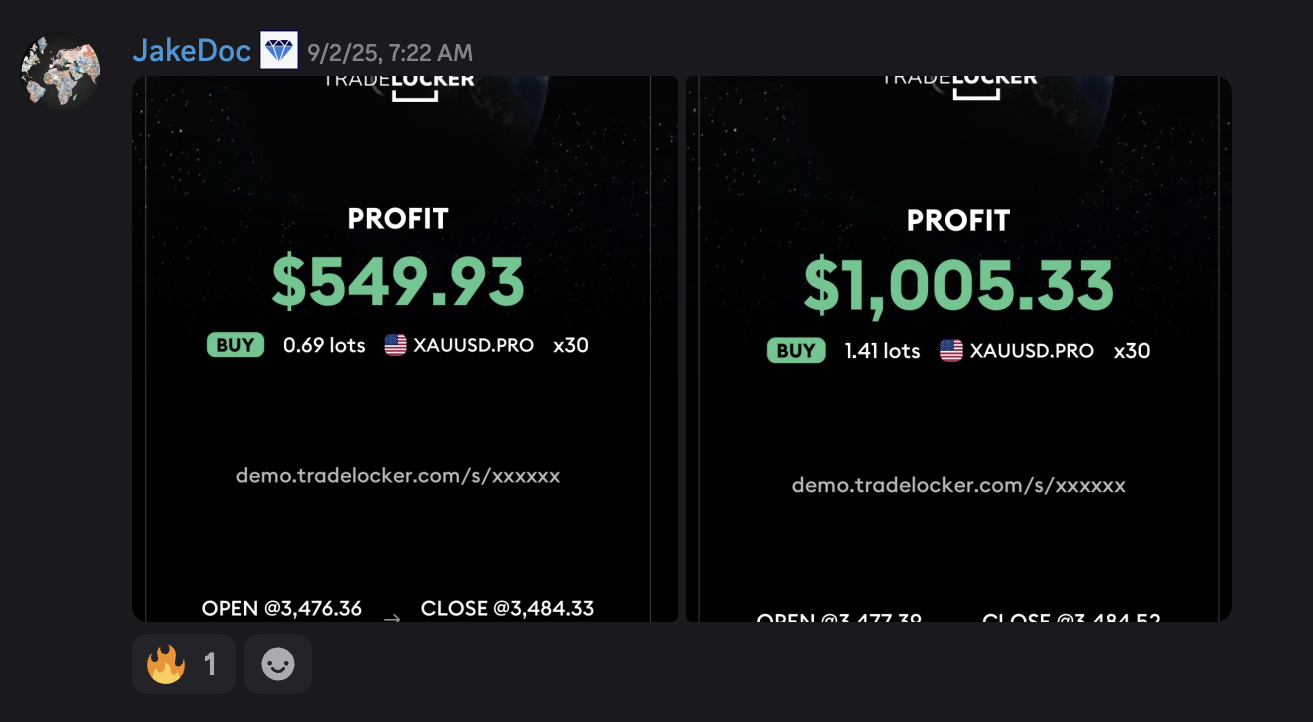
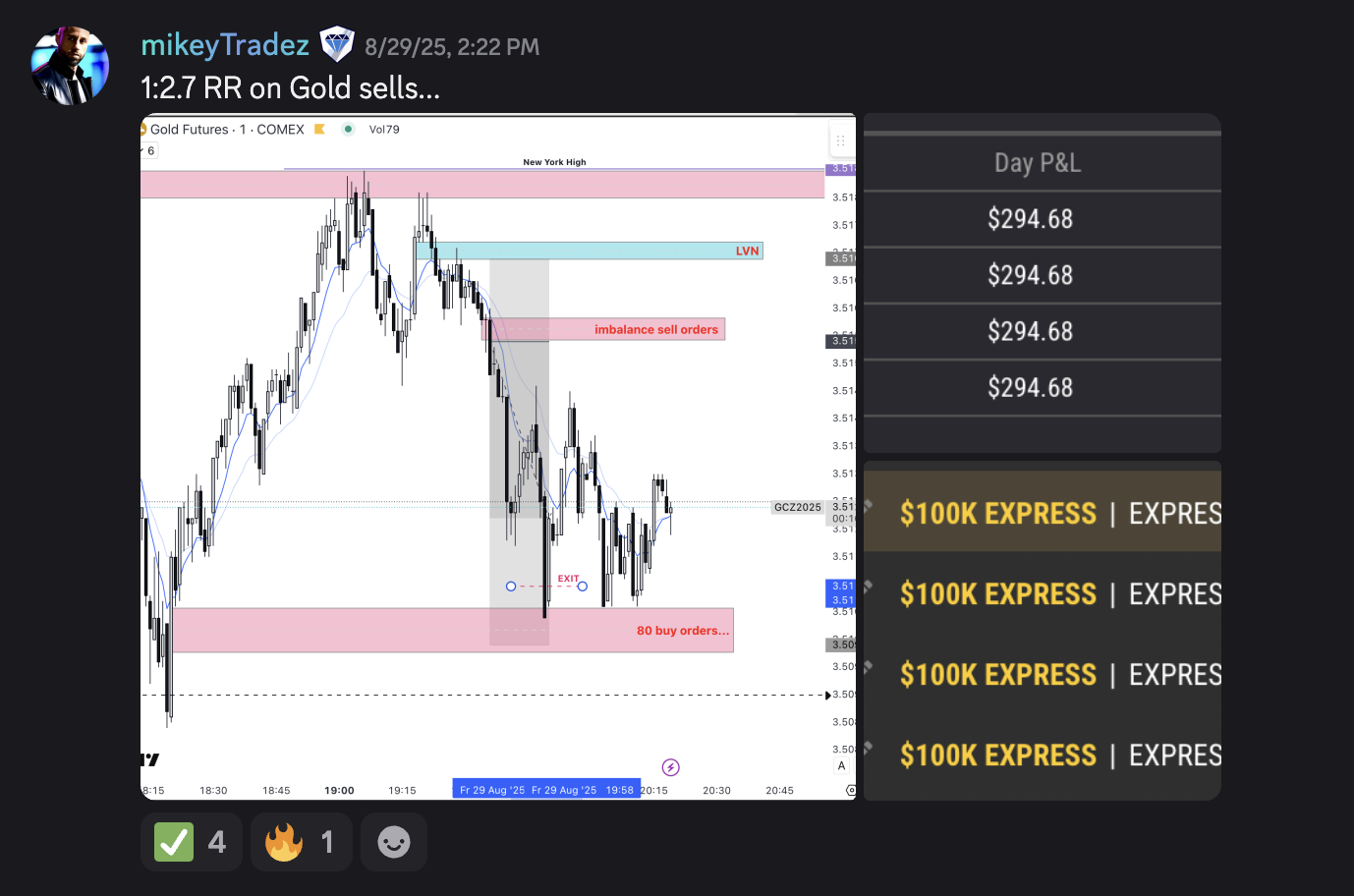
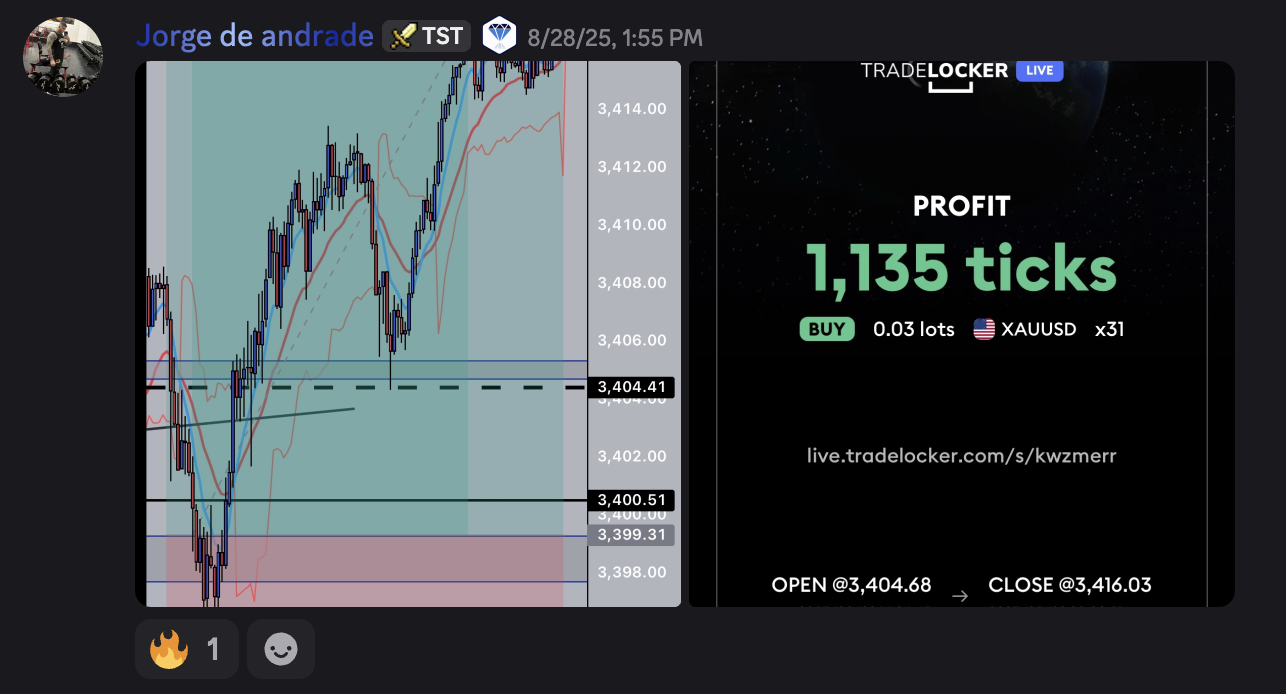
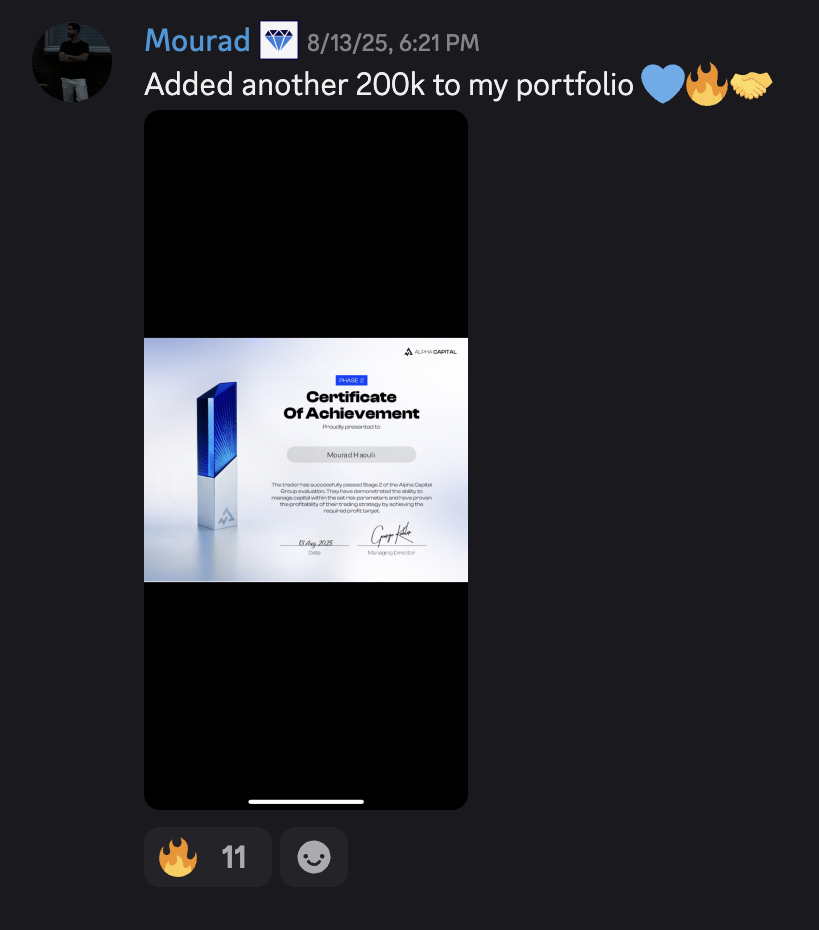
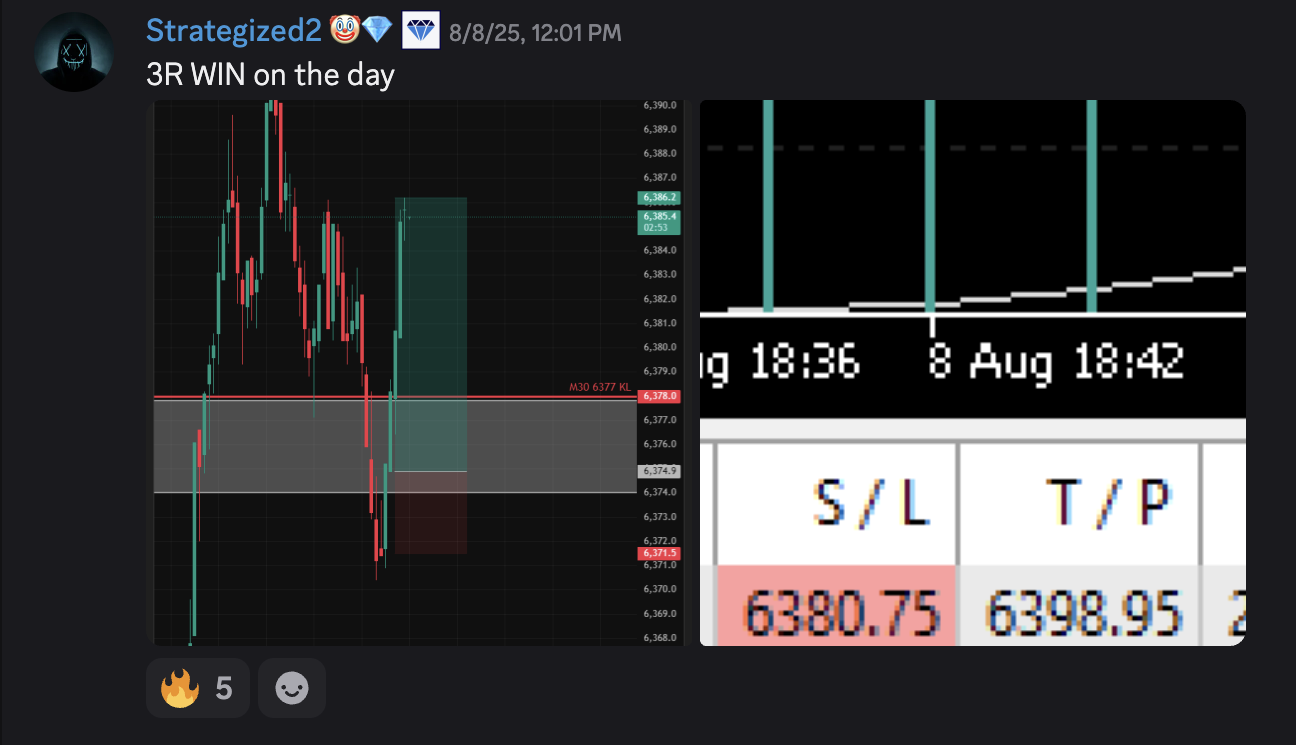
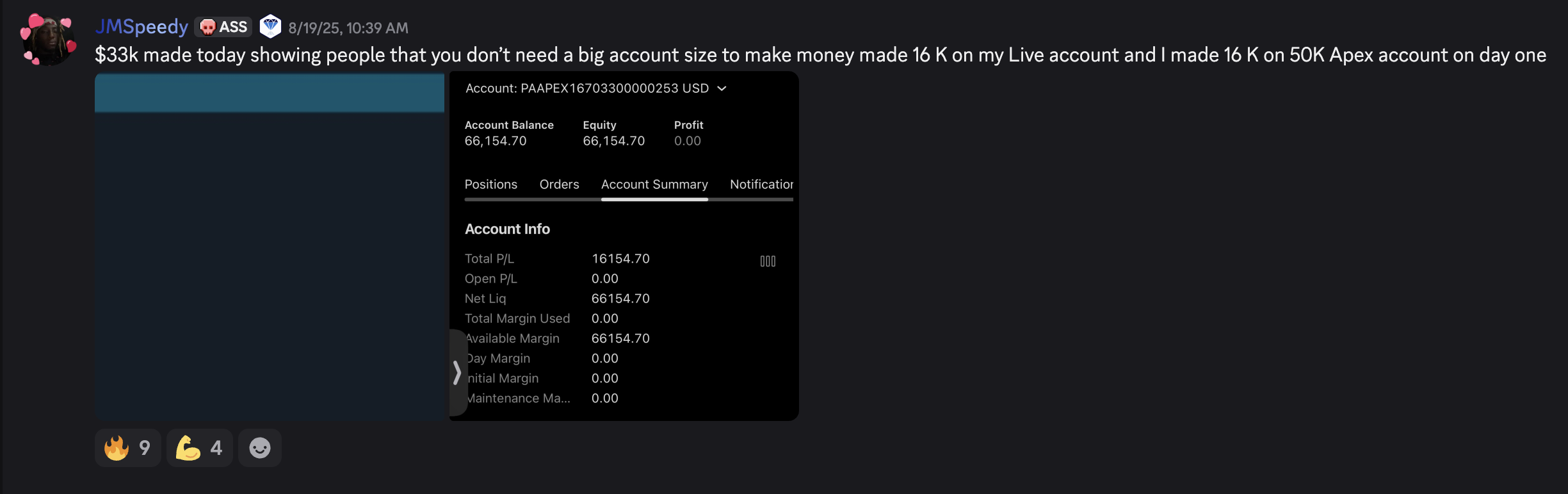
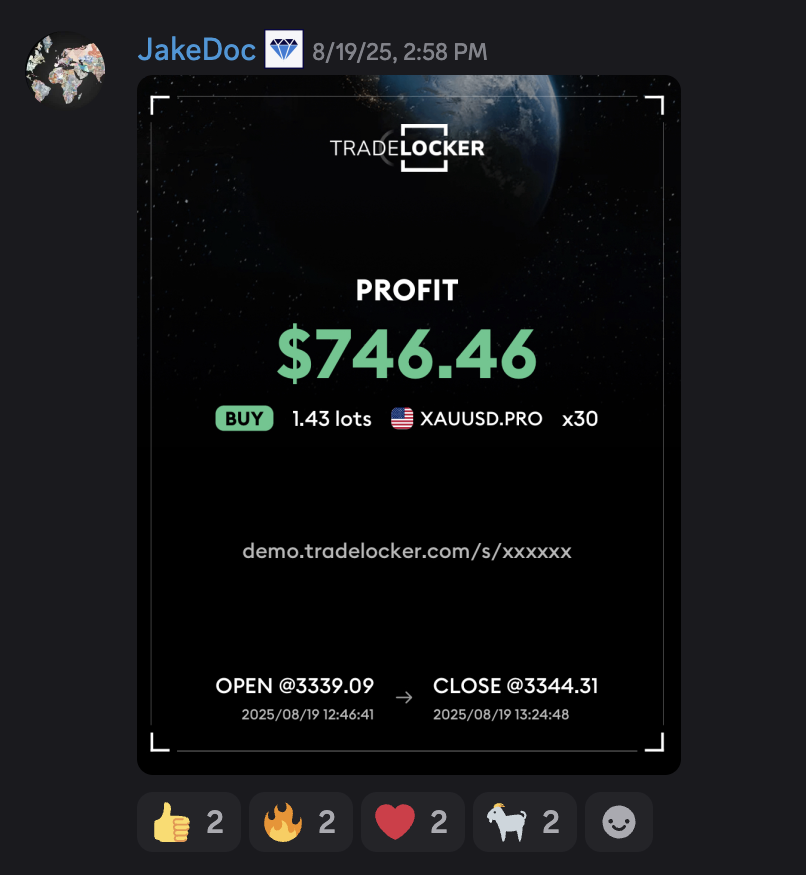
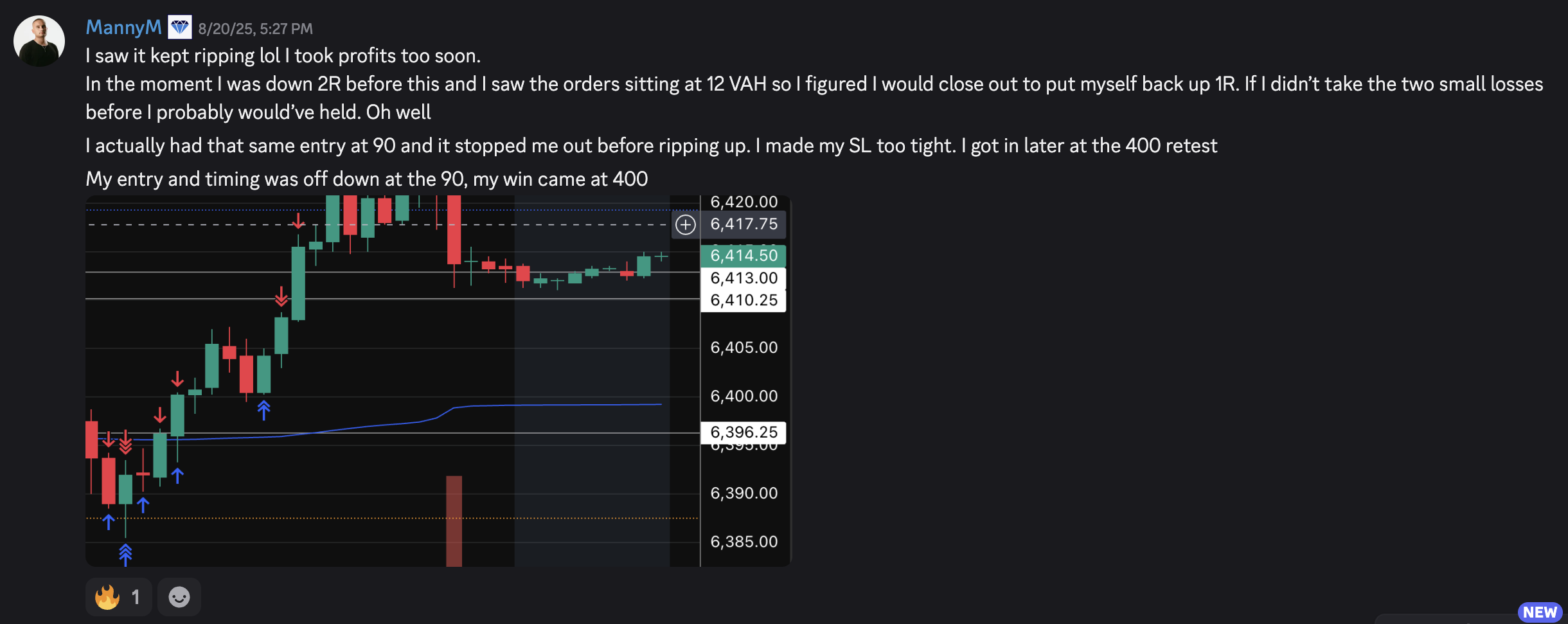
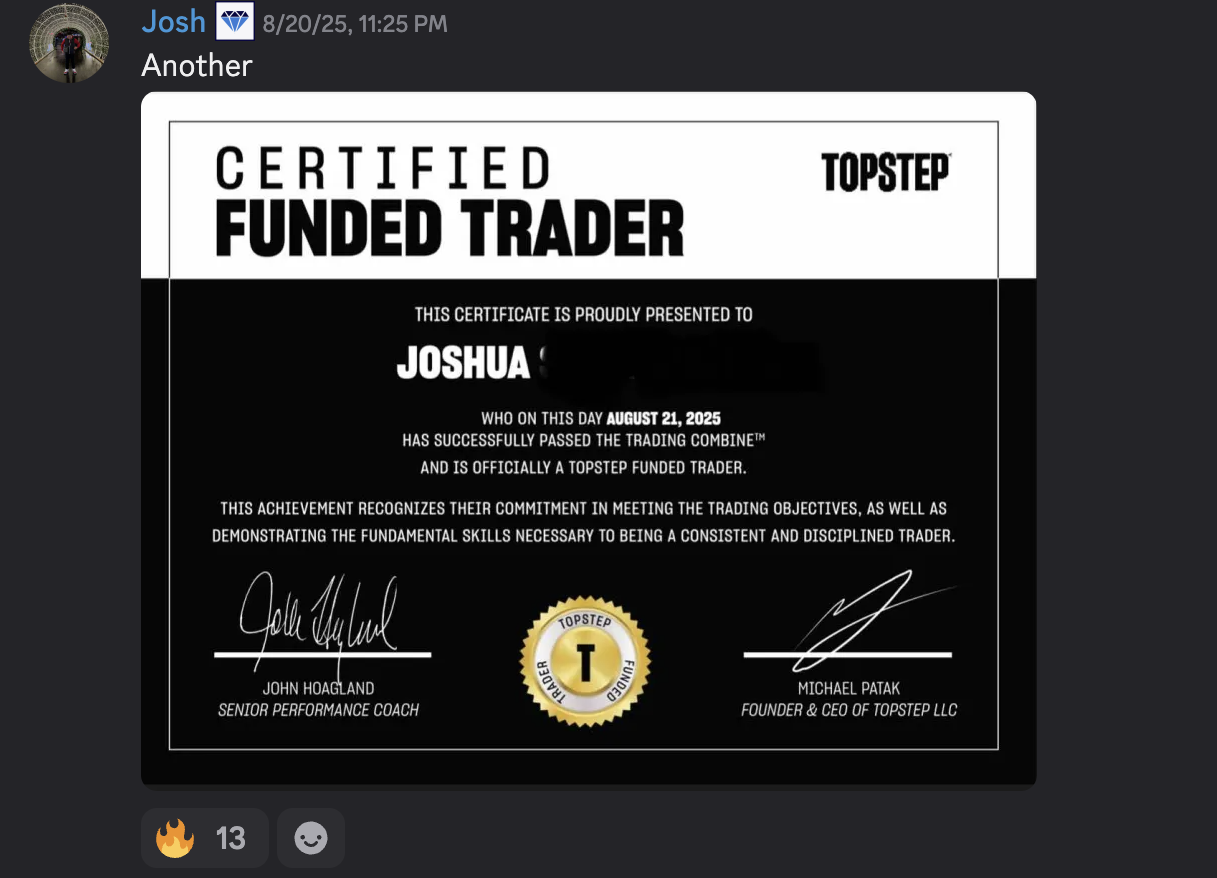
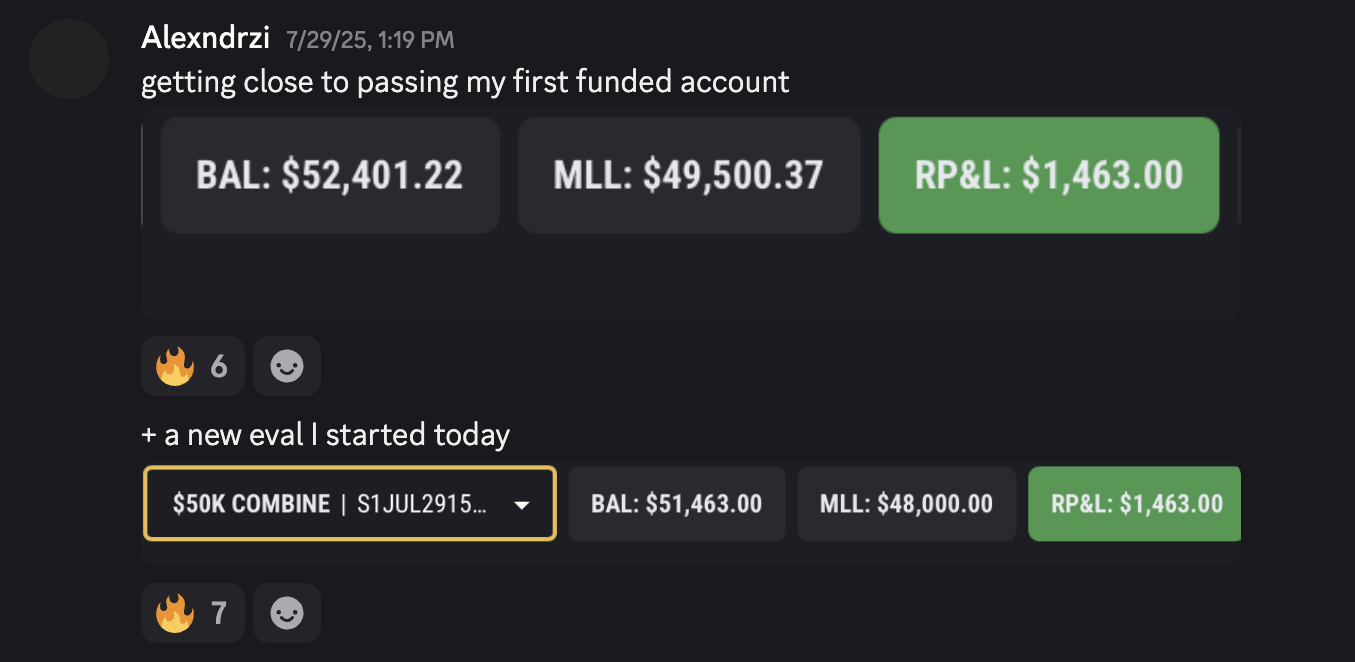
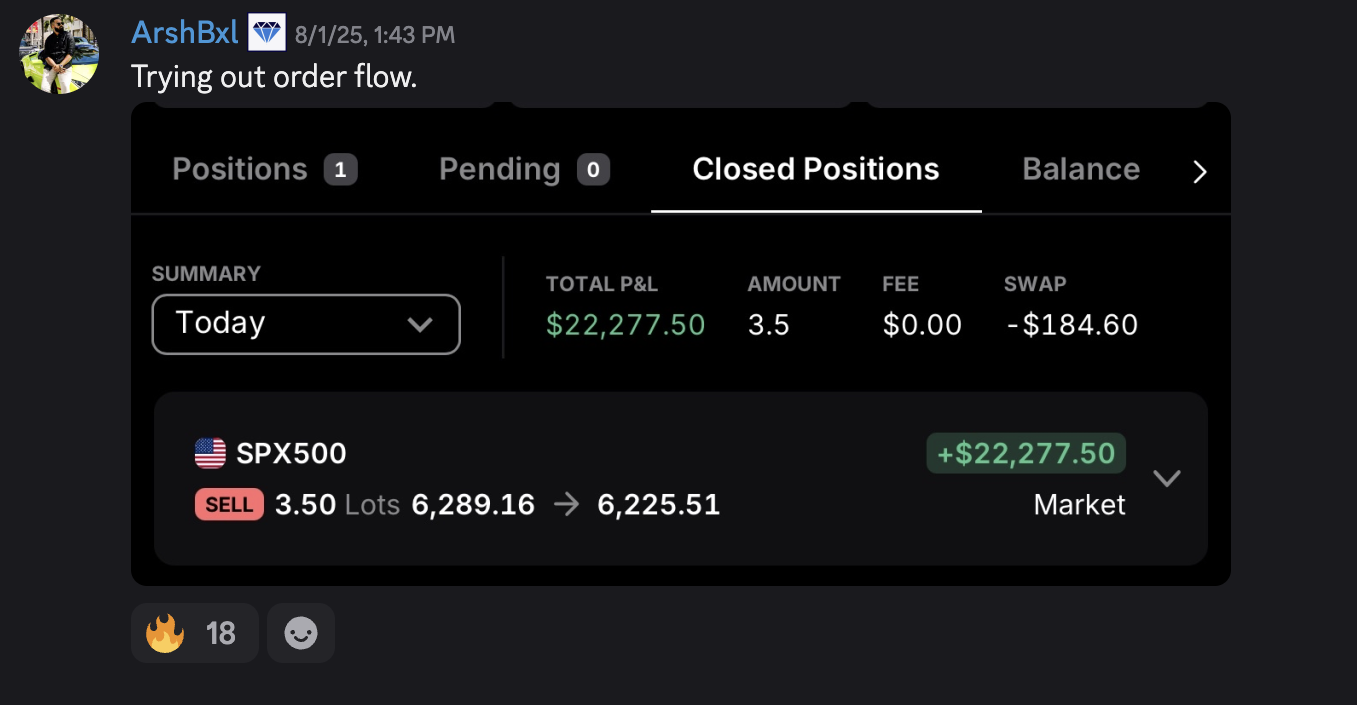
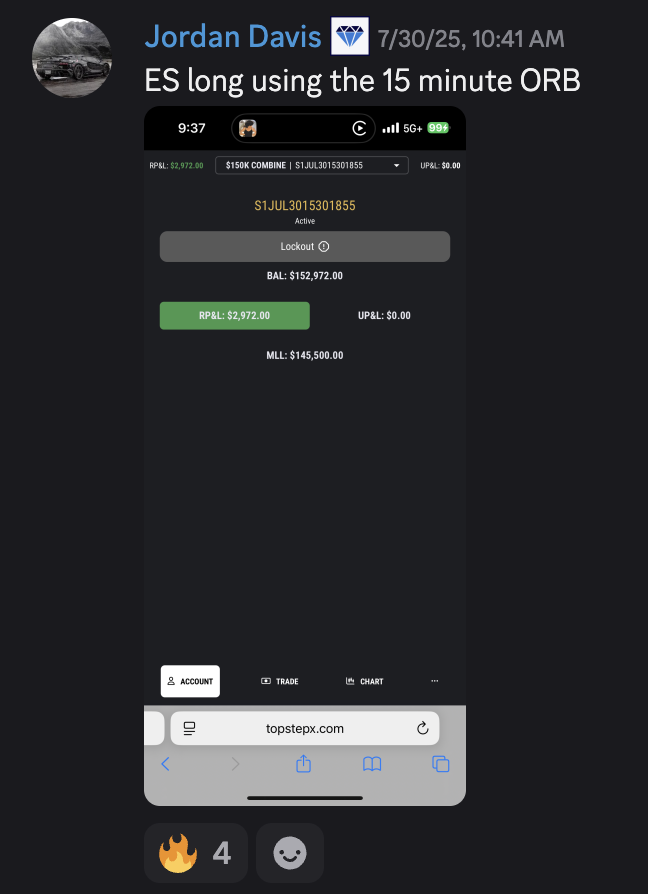
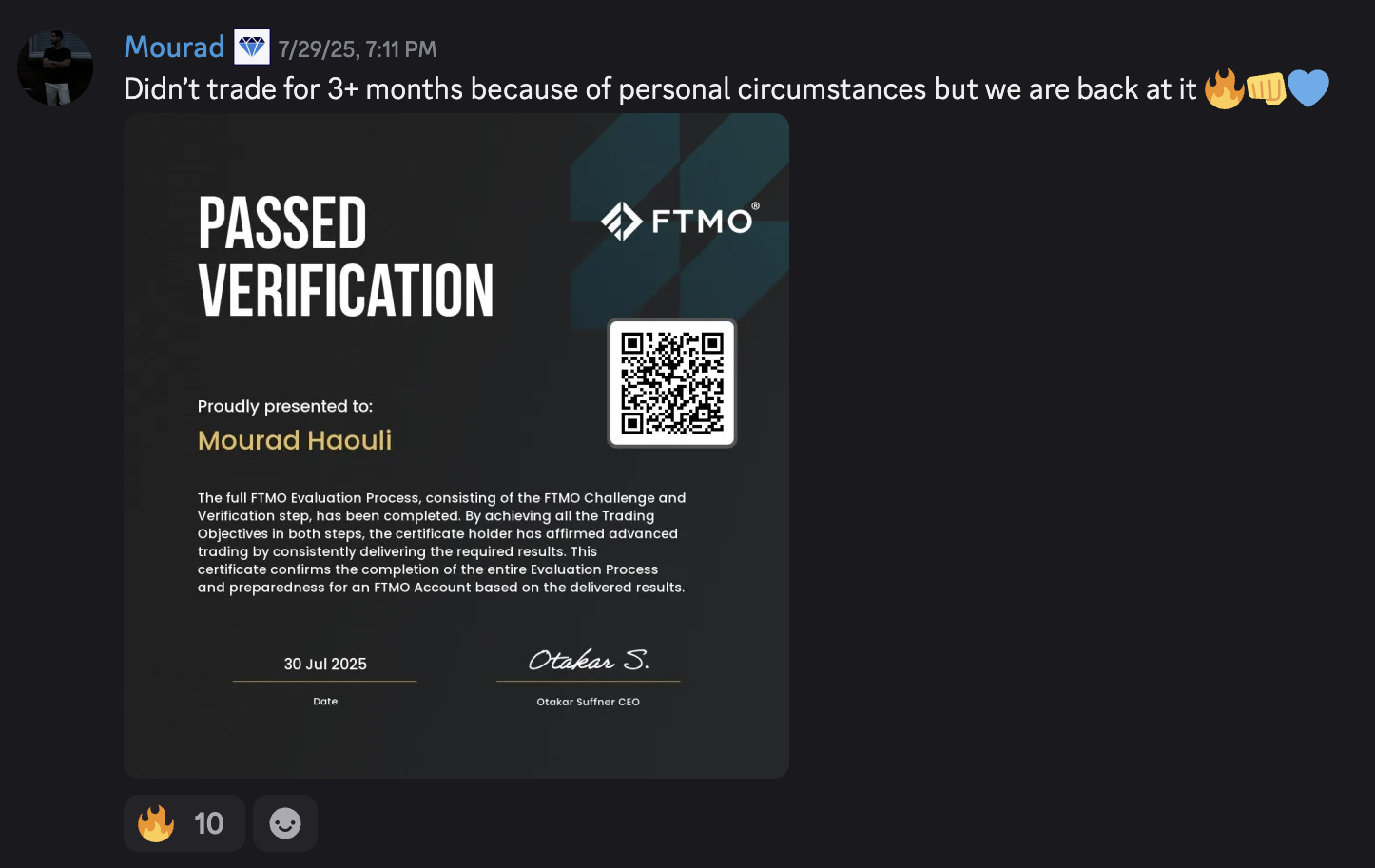
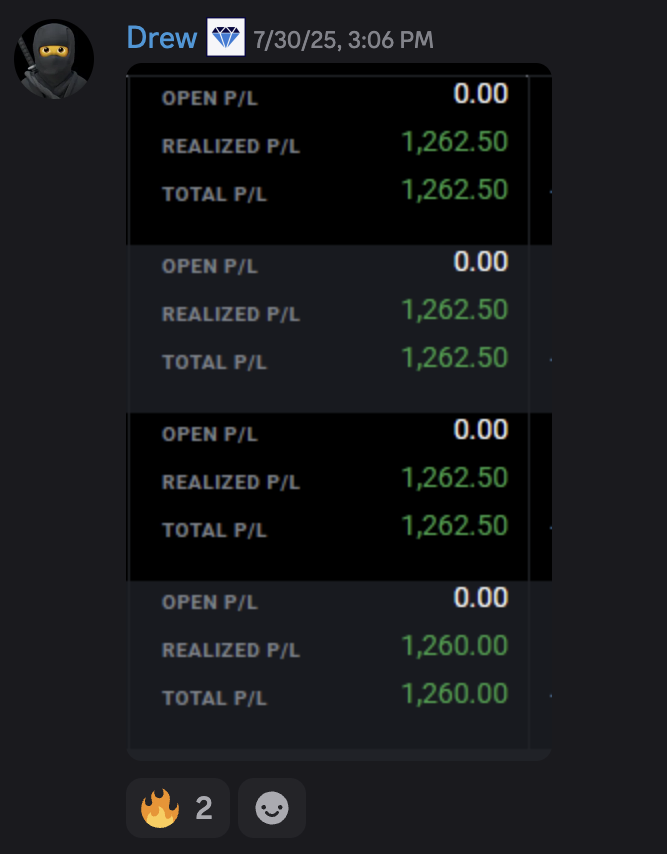
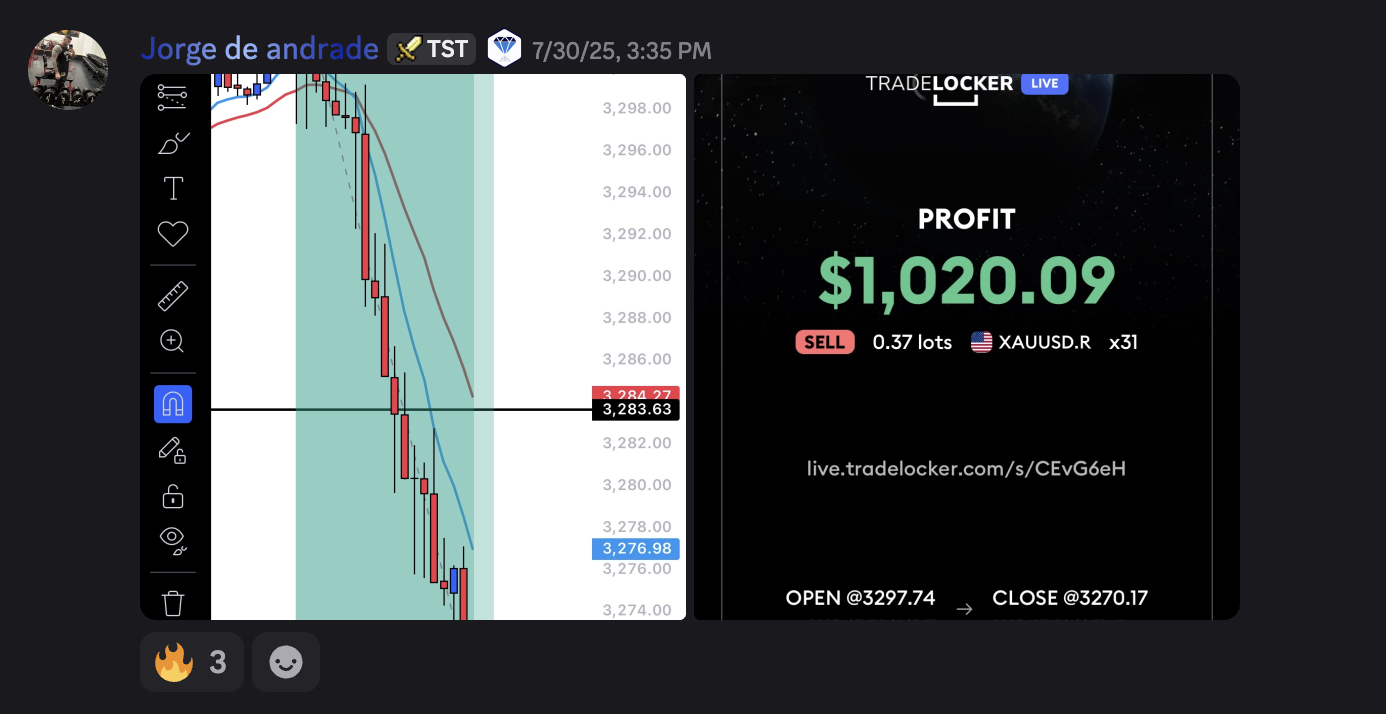
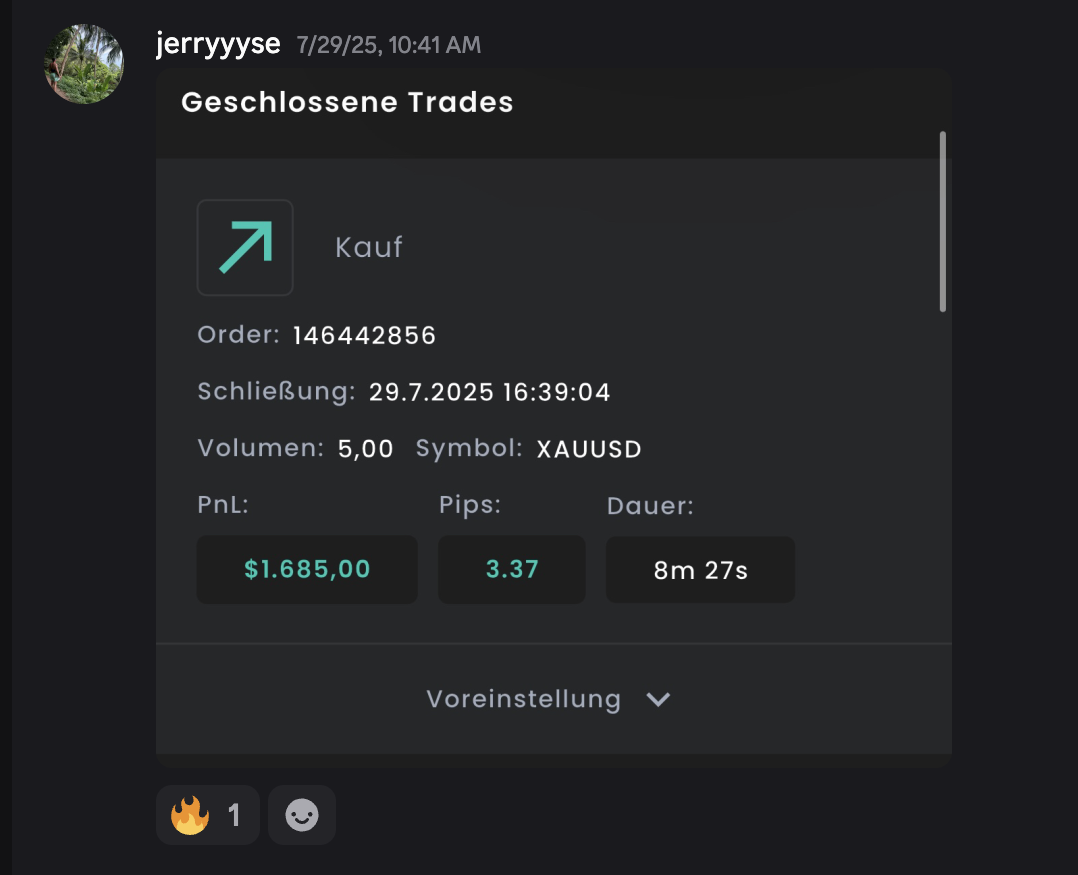
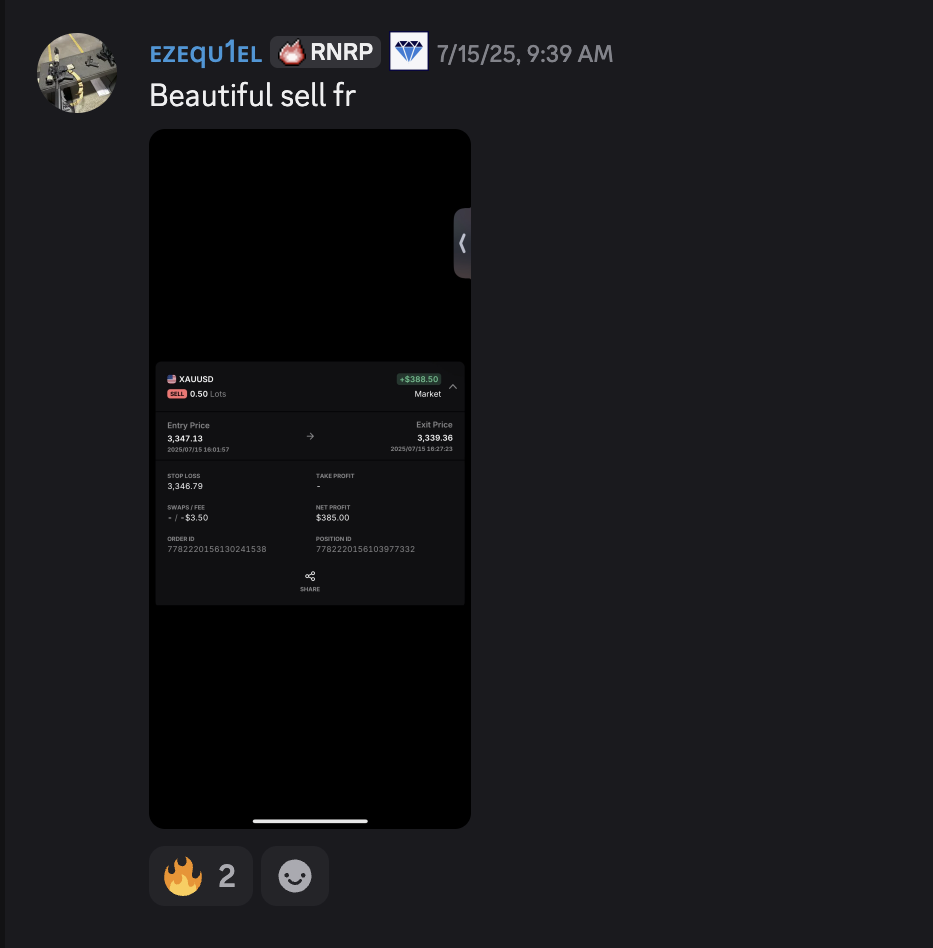
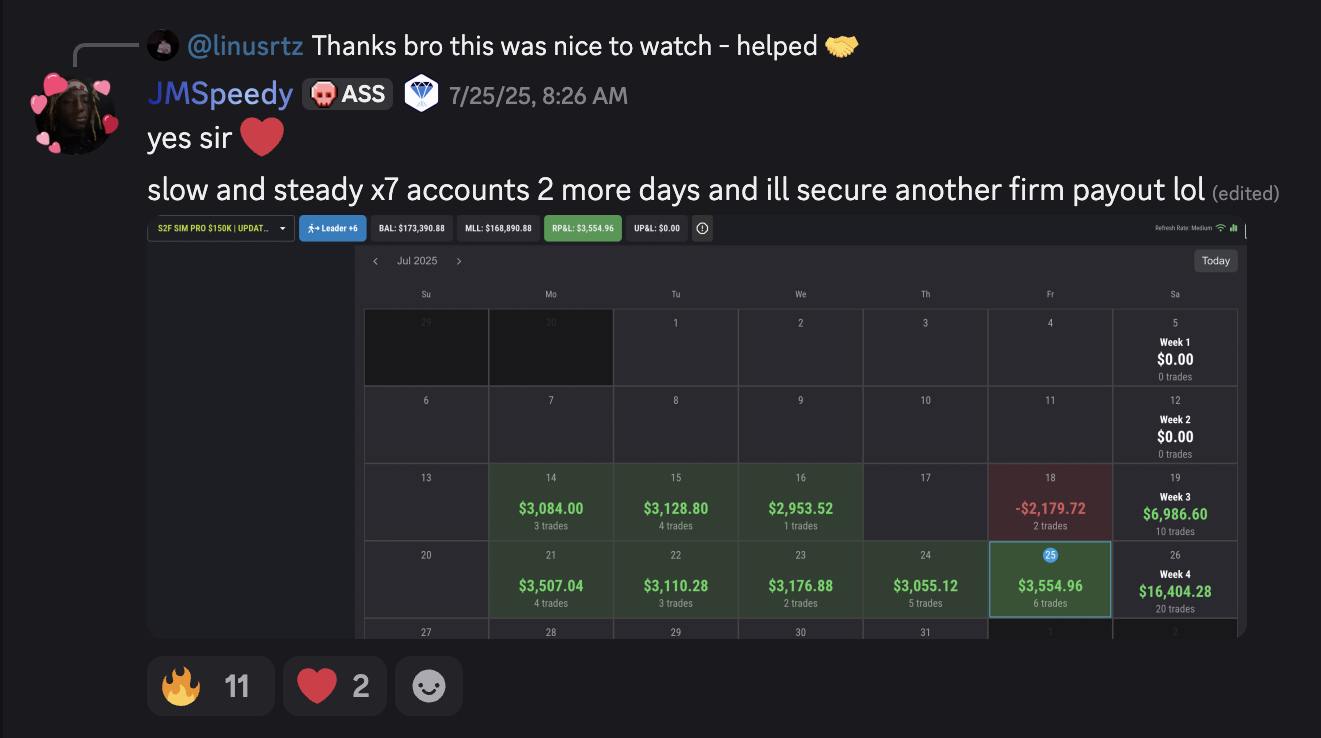
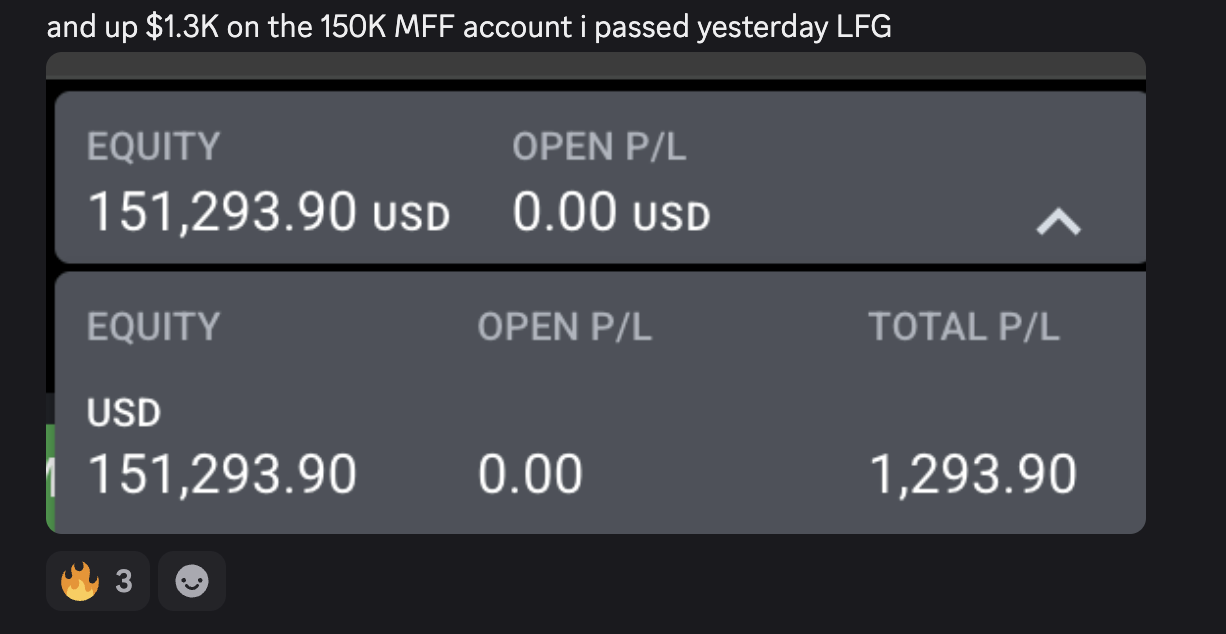
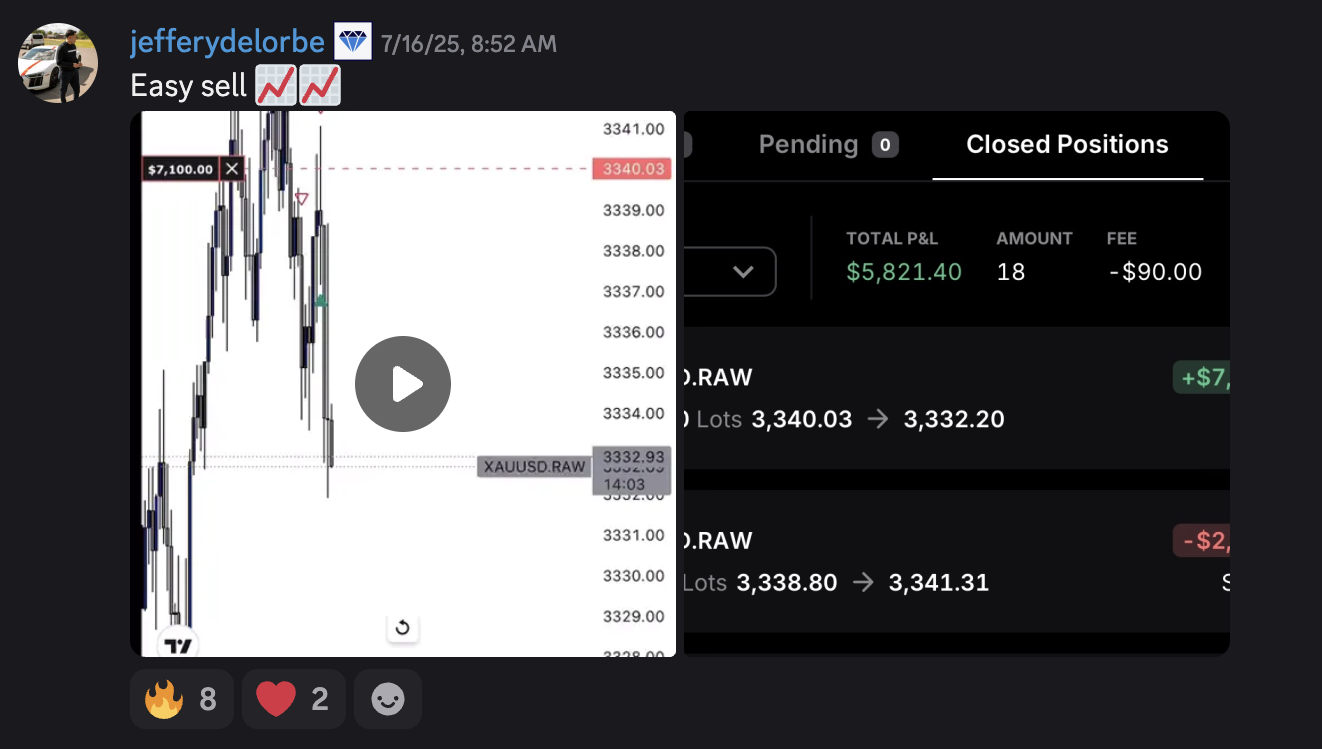
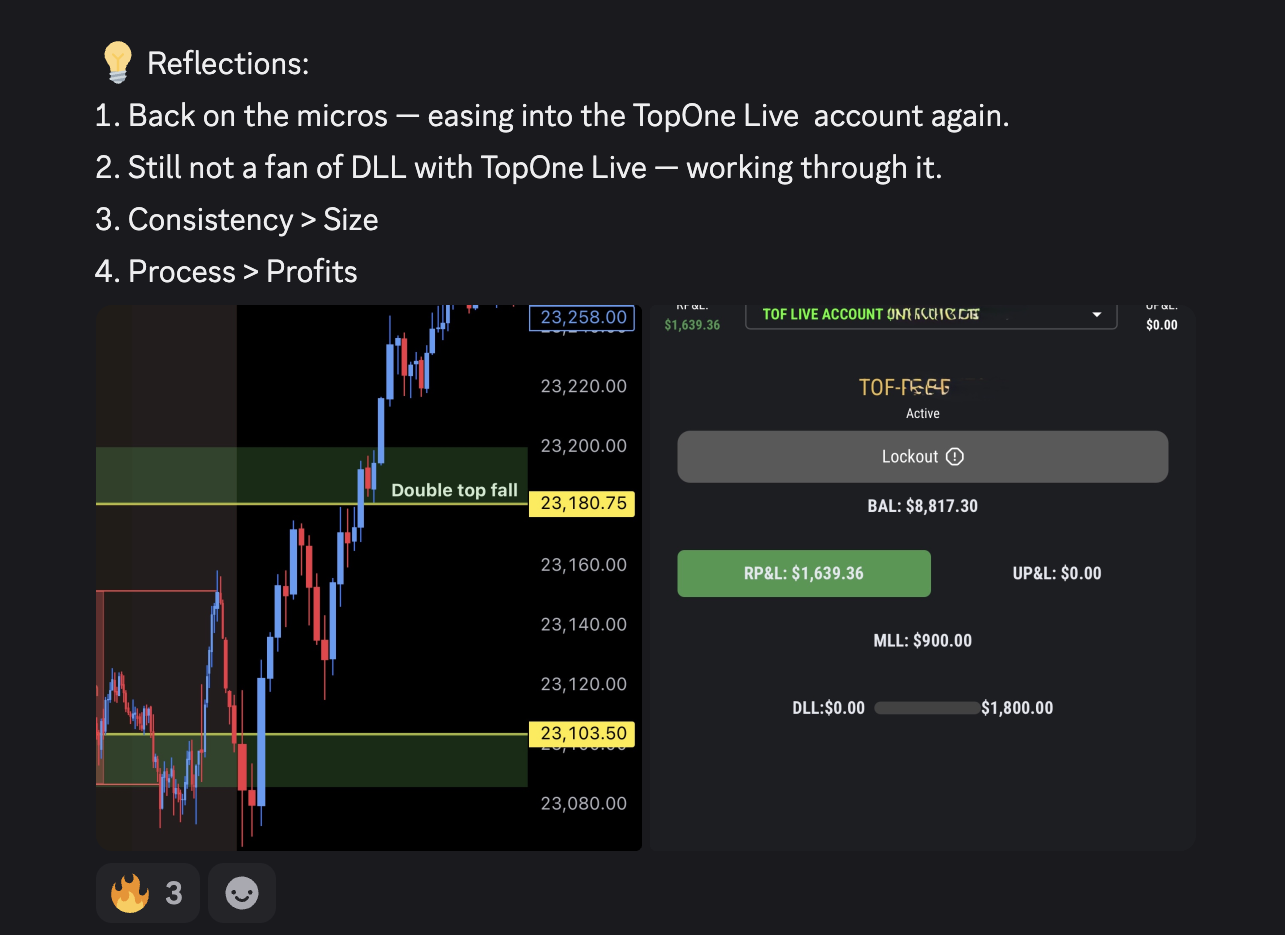
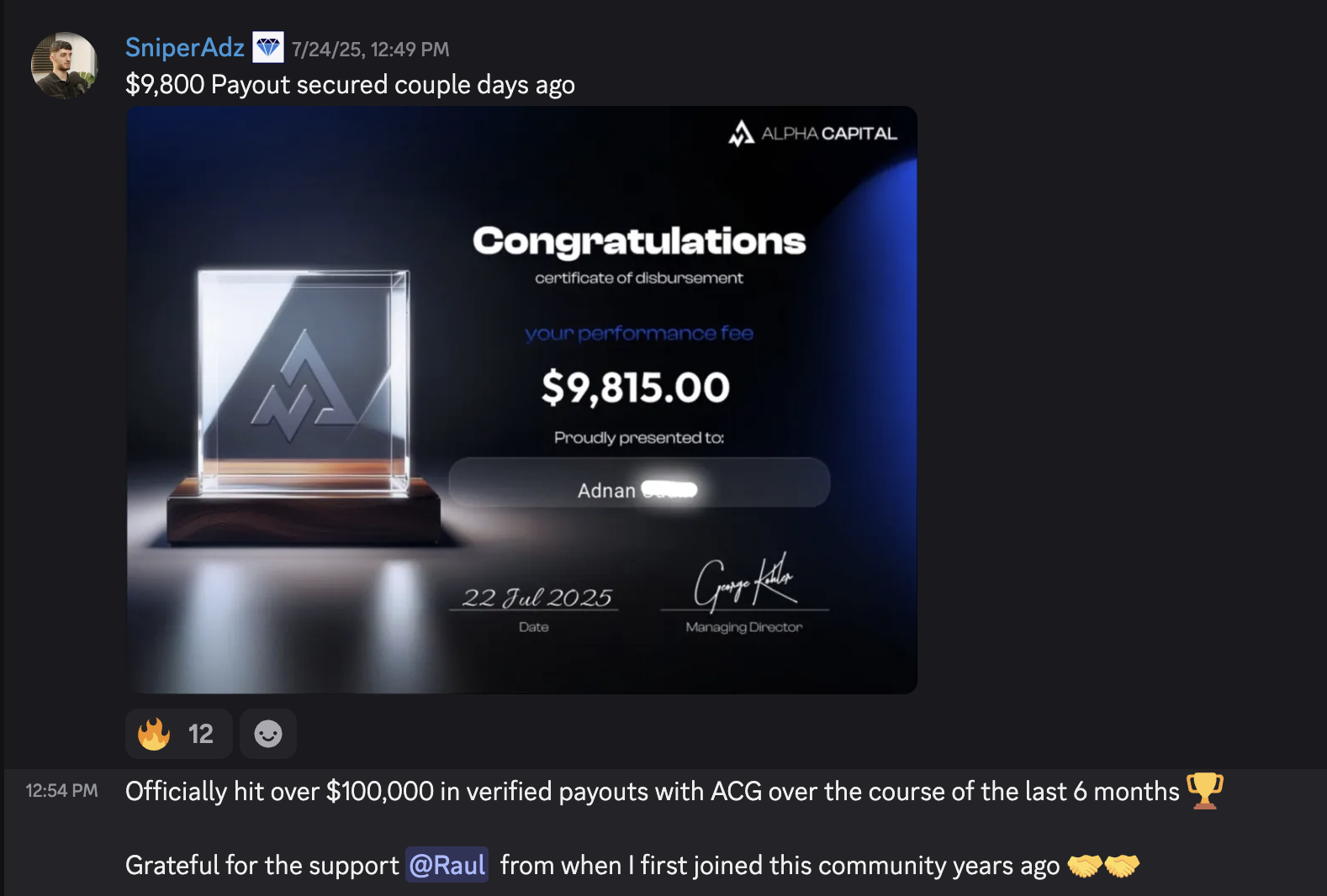
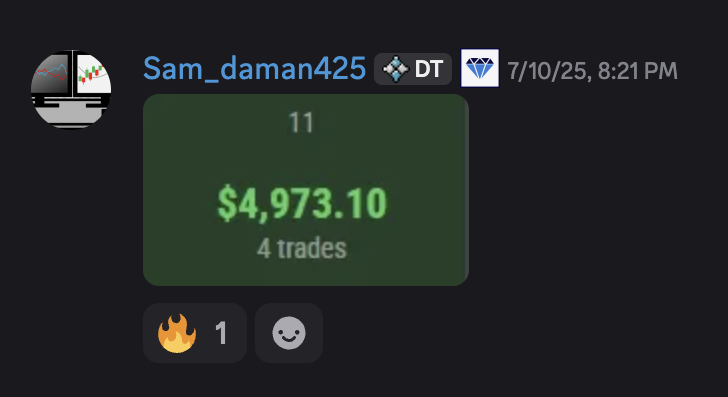
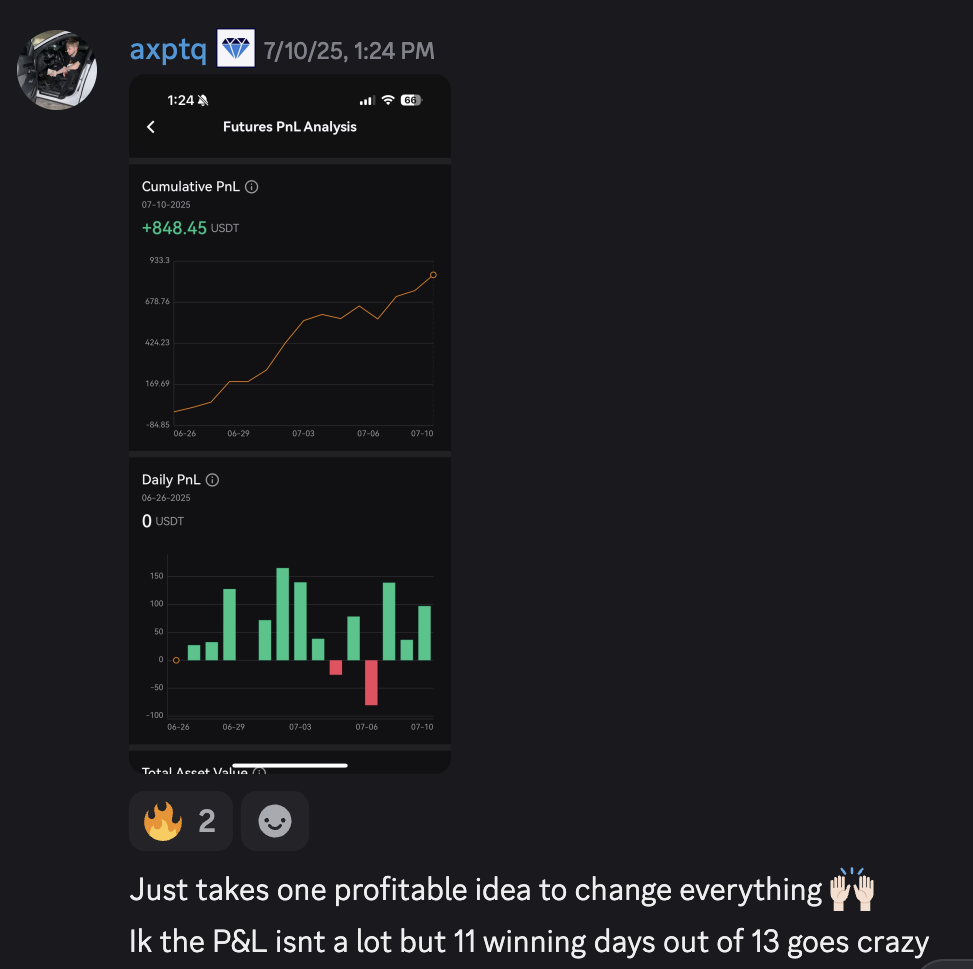
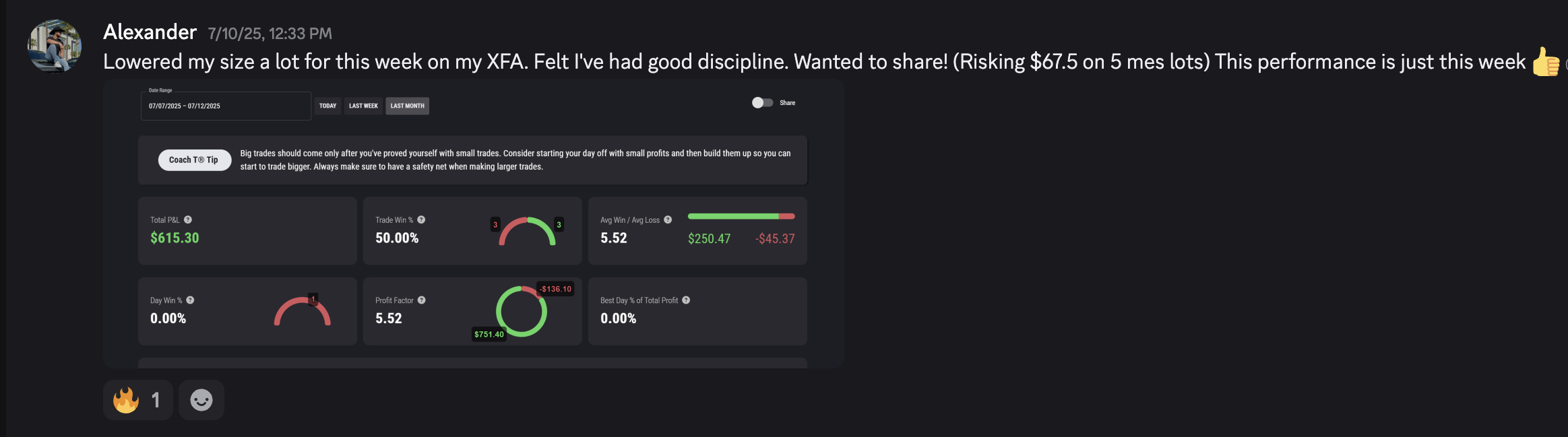
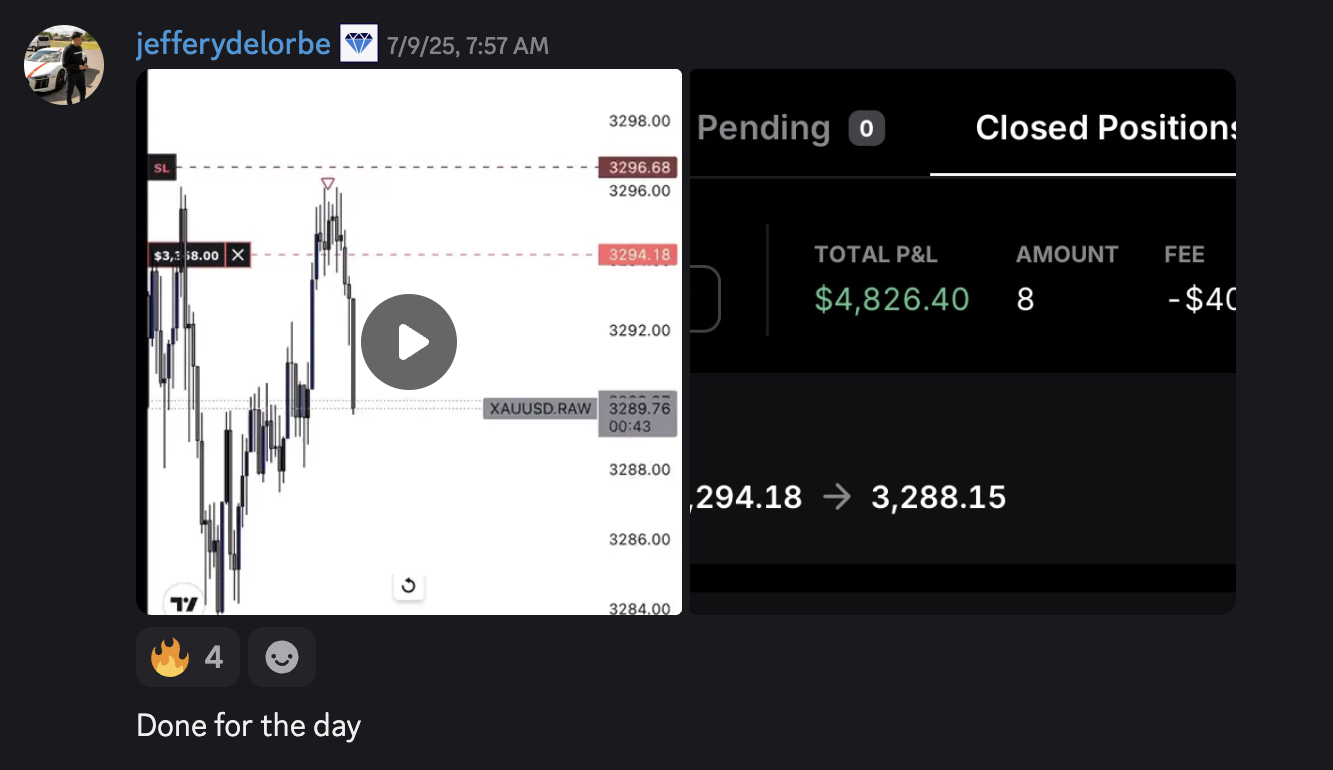
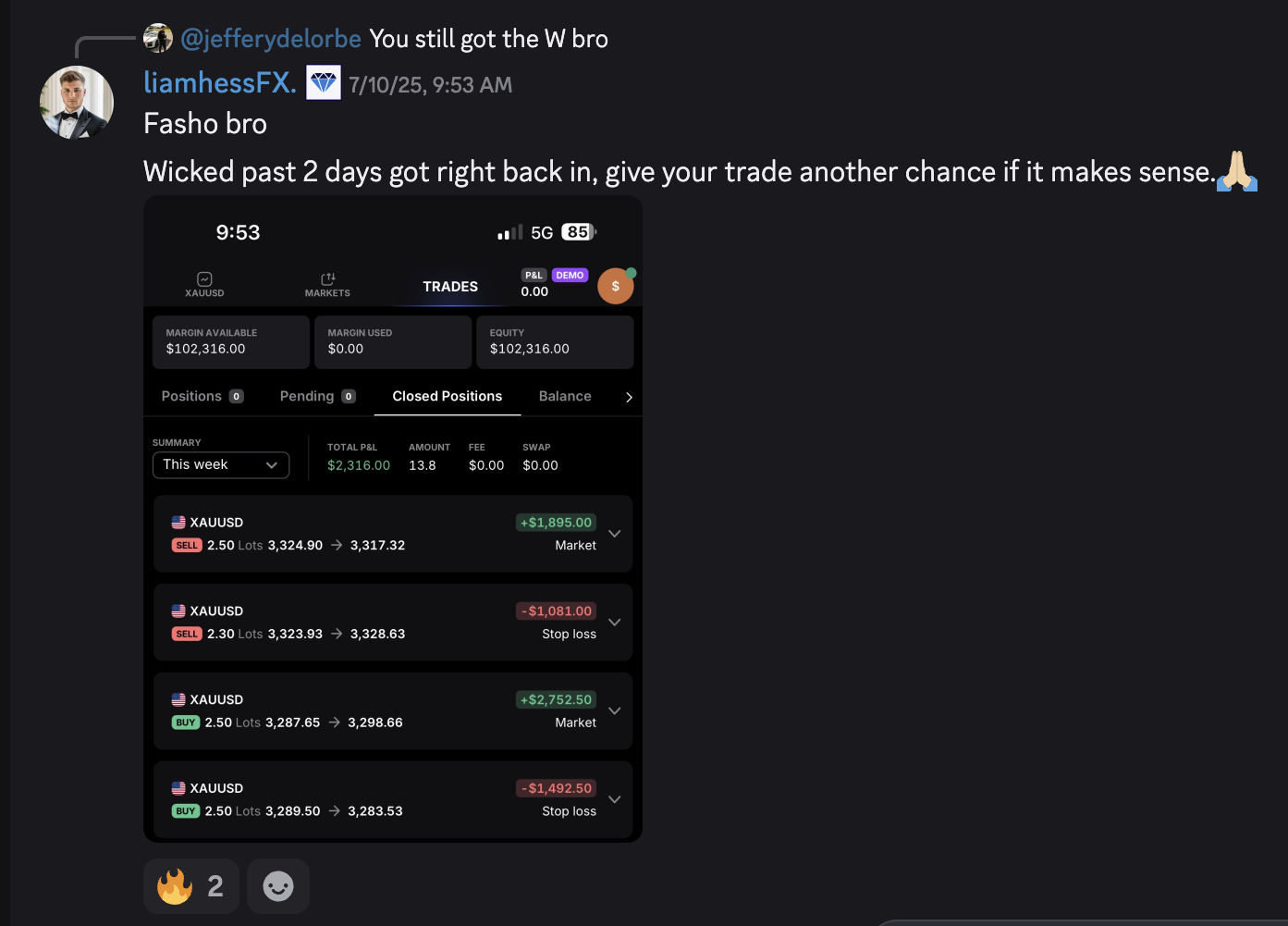
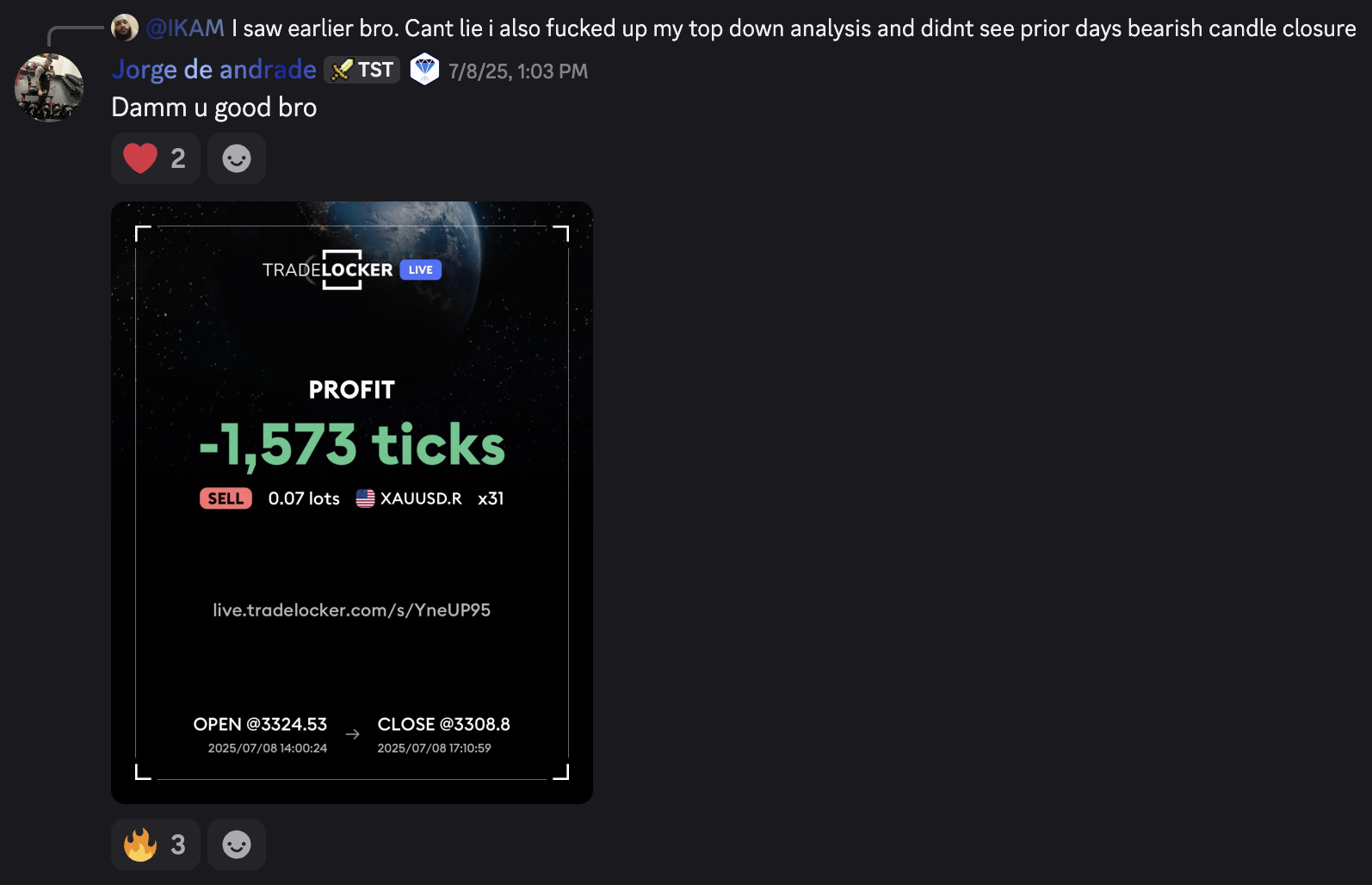
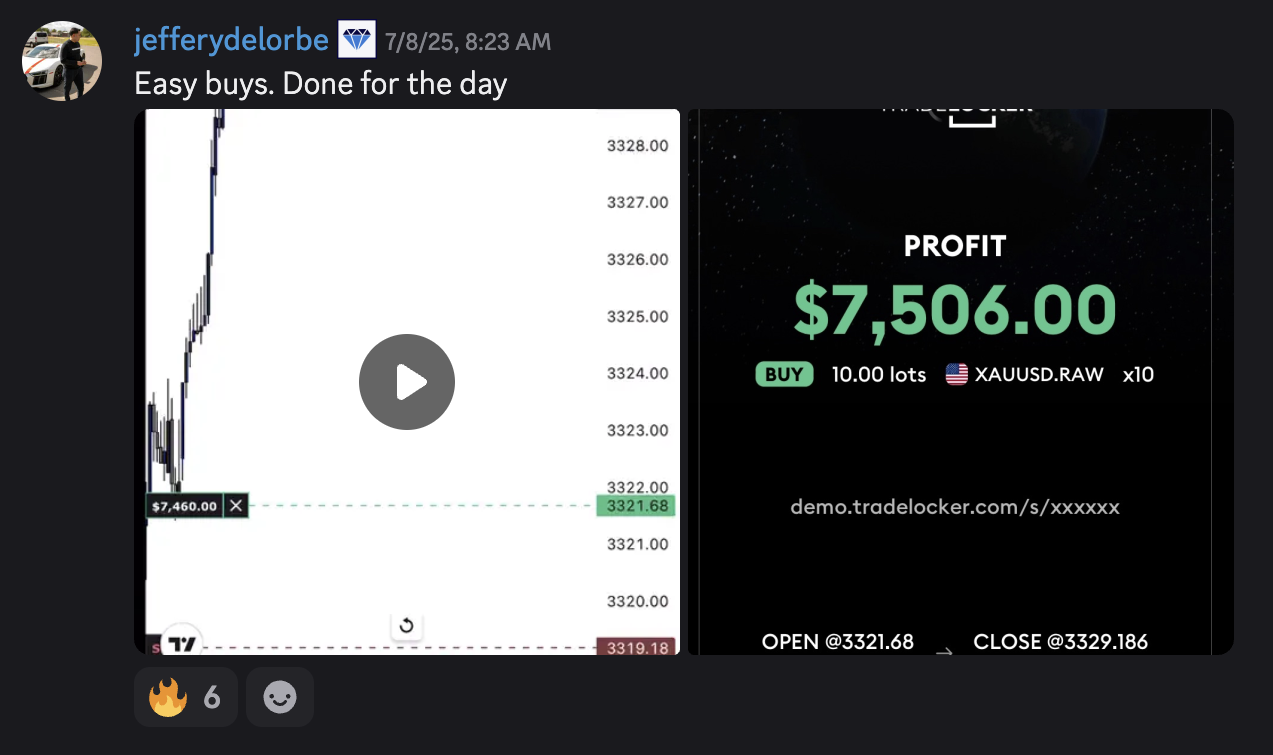
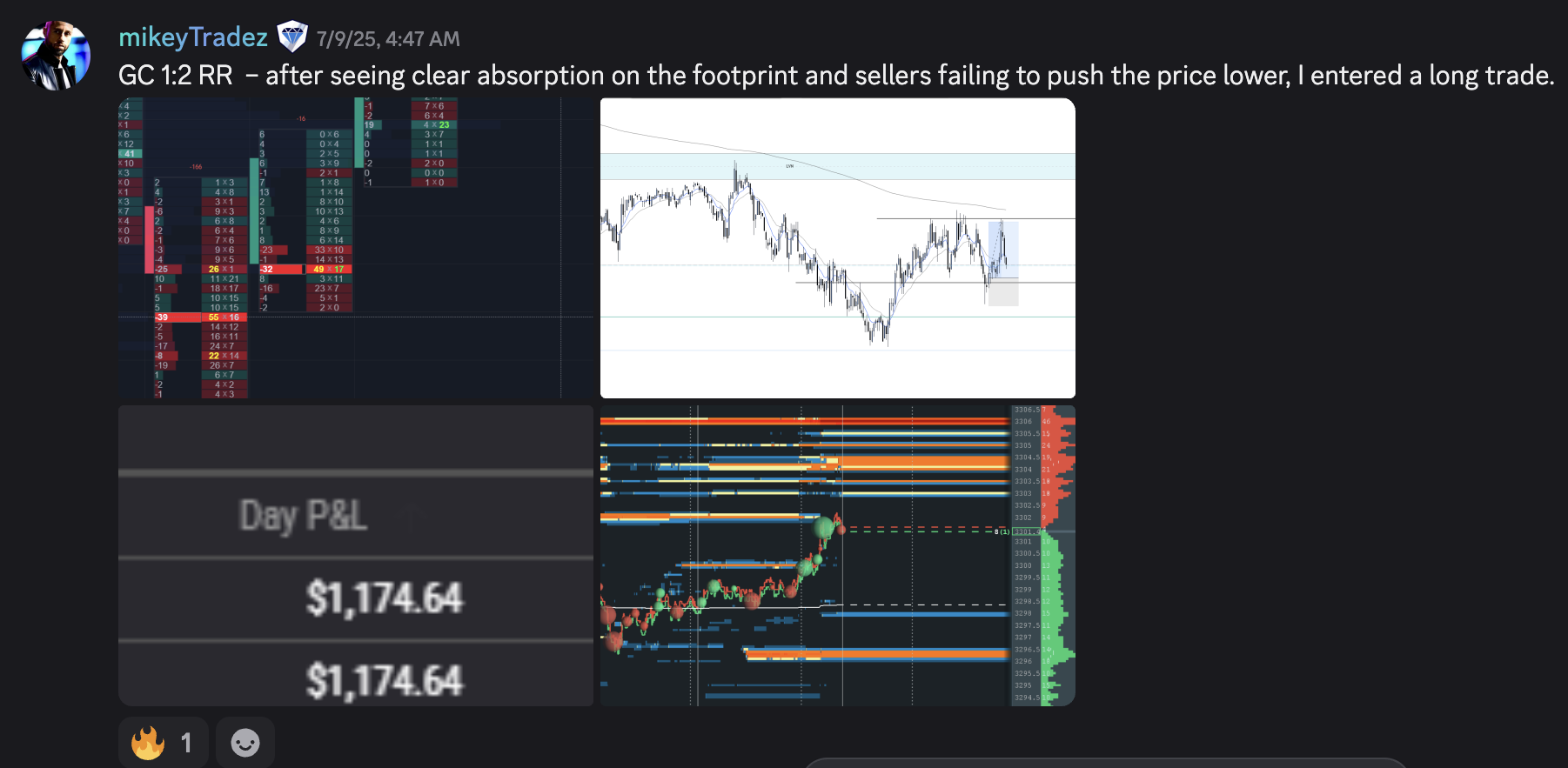
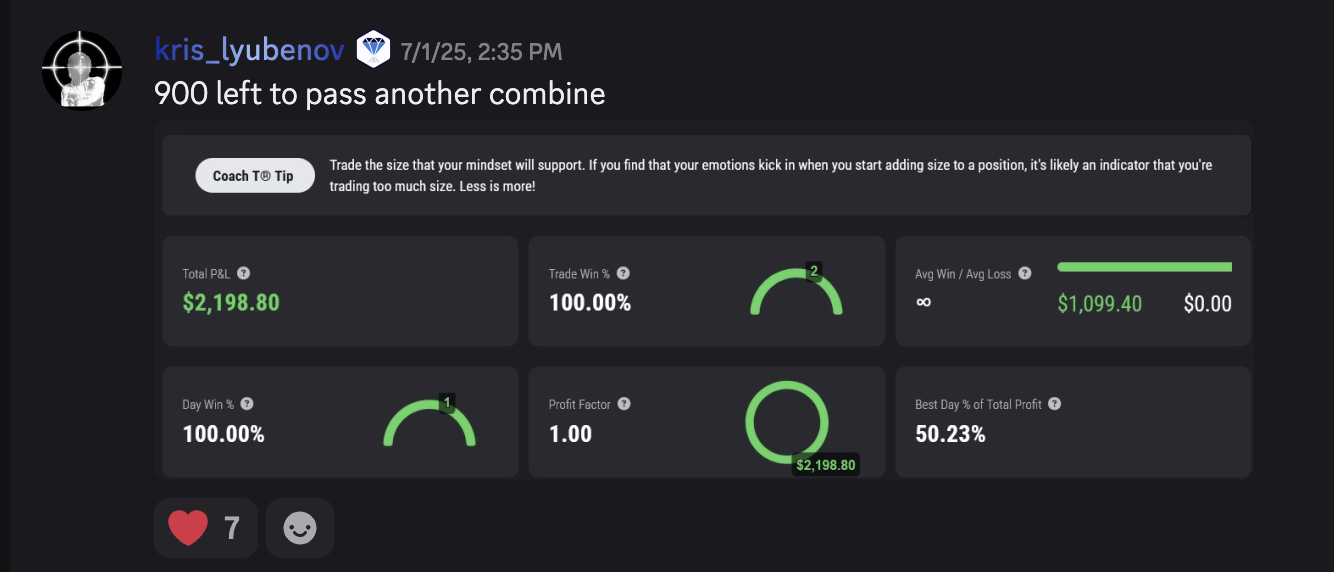
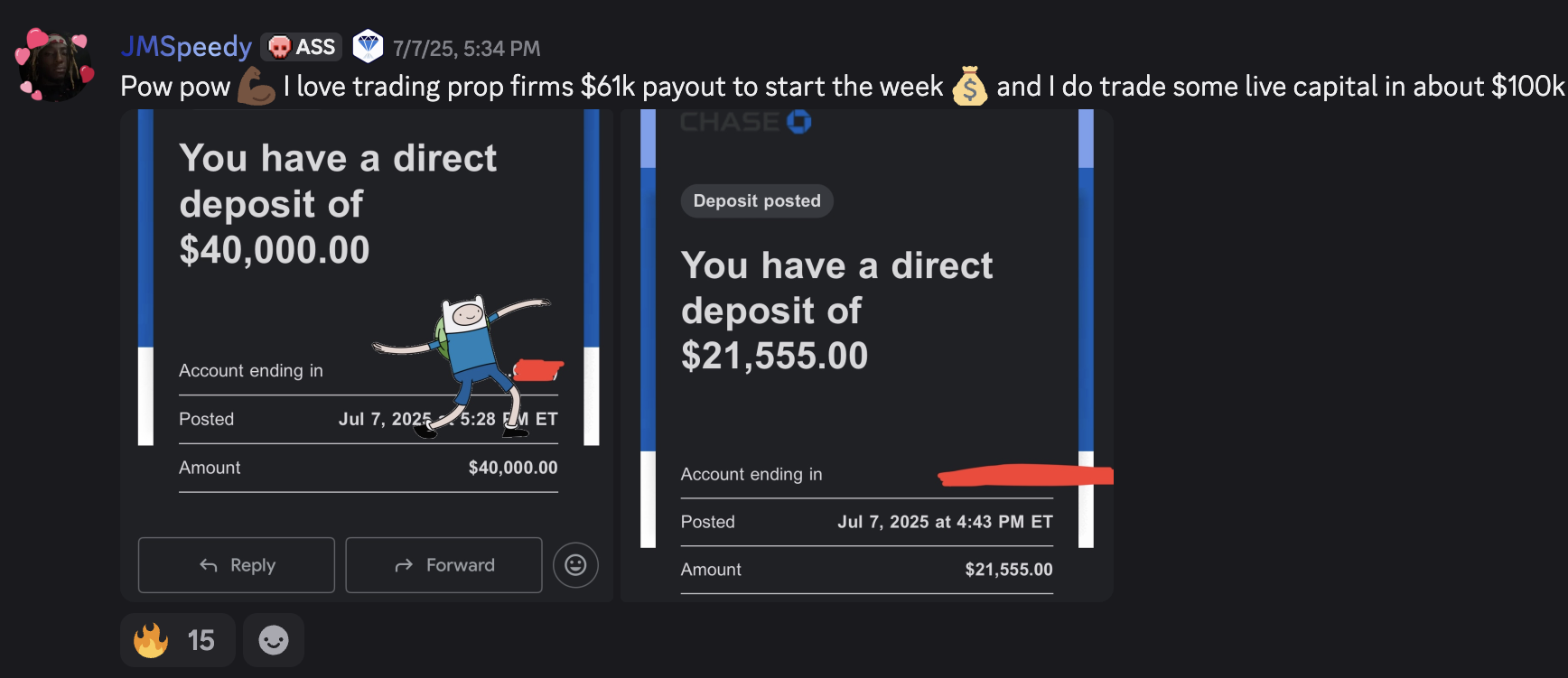
Join 1,000+ Traders See What They're Saying About Raul
CLICK TO TURN ON SOUND
CLICK TO TURN ON SOUND
CLICK TO TURN ON SOUND
CLICK TO TURN ON SOUND
CLICK TO TURN ON SOUND
CLICK TO TURN ON SOUND
 ●
●
 ●
●
●
●
●
●
●
●
●
●
●
●
●
●
●
●
●
●
●
●
●
●
●
●
●
●
●
●
●
●
All Rights Reserved, LIVE EVENT | TRADING GIVEAWAY ©2025
This site is not a part of the Facebook website or Facebook Inc. Additionally,
This site is NOT endorsed by Facebook in any way. FACEBOOK is a trademark of FACEBOOK, Inc.